



Goal, language, context and expectations.
WIREFRAMING & PROTOTYPING SERVICES
Turn uncertain product ideas into clear, testable experiences before development.
AppsLoading maps product logic into user flows, information architecture, responsive wireframes and realistic clickable prototypes. Teams can review navigation, states, interactions and scope before engineering effort becomes expensive.
✓ User flows + information architecture✓ Low to high fidelity wireframes✓ Clickable Figma prototypes✓ Validation + developer handoff
DefineStructure product logic before polishing screensValidateTest critical journeys before committing to codeHandoffGive engineering one visible source of product truth
User FlowsInformation ArchitectureLow-Fidelity WireframesResponsive WireframesClickable PrototypesUsability ValidationDeveloper Handoff
PRODUCT DEFINITION CANVAS
Start with the product question, not the screen.
Wireframes are most useful when they expose what still needs a decision. We frame the user, task, business rule, data, state and edge case before a polished interface hides uncertainty.
THE PROTOTYPE QUESTIONWhat must the team understand, test or agree on before development begins?
Rules, permissions, content and data.
Errors, empty states and alternate paths.
States, responsiveness and acceptance logic.
PROTOTYPEEvidence → Flow → Screen
FIDELITY LADDER
Add detail only when the decision needs it.
The fastest prototype is not always the best prototype. We use the lightest fidelity that can answer the current product question, then increase realism when it improves validation or stakeholder confidence.
Task map
Sequence, decisions and alternate routes without screen detail.
Wireframe
Hierarchy, navigation, content blocks and screen logic.
Structured prototype
More realistic components, content and responsive behaviour.
Validation-ready
Realistic screens, states and interactions for testing, demos and approvals.
WIREFRAMING & PROTOTYPING SERVICES
Choose the artefact that resolves the next expensive uncertainty.
Use AppsLoading for a complete product-definition engagement or a focused scope around flows, information architecture, wireframes, prototypes, validation or handoff.
01FLOW LOGIC
User flow design
Map entry points, task steps, decisions, branches and completion states.
02IA
Information architecture
Structure navigation, content hierarchy, labels and relationships before detailed screens.
03LOW-FI
Low-fidelity wireframes
Explore structure quickly while product logic and scope are still moving.
04RESPONSIVE
Responsive wireframes
Define how hierarchy and interaction adapt across mobile, tablet and desktop.
05INTERACTIVE
Clickable Figma prototypes
Connect priority journeys for review, demos and usability testing.
06MVP
MVP and investor prototypes
Make the product proposition tangible without building the full product first.
07TESTING
Validation prototypes
Prepare realistic task paths and states around the assumptions that need evidence.
08HANDOFF
Developer-ready handoff
Deliver approved screens, states, responsive rules, annotations and source files.
USER FLOW MAP
A screen is only useful when the journey around it makes sense.
User flows expose how people enter, decide, recover and complete a task. Mapping those transitions early reveals dead ends and hidden states before they become expensive implementation issues.
Happy pathAlternate pathPermissionsError recoveryExit state
DECISIONWhich path?

WIREFRAME LAB
Make the structure obvious enough to argue with.
Good wireframes are intentionally incomplete. They create a shared object the team can critique without wasting time on colour, illustration or micro-polish that does not yet matter.
01
Hierarchy before decoration
Place the information and actions that matter most where users can understand them.
02
States beyond the happy path
Include empty, loading, error, permission and recovery conditions that change implementation.
03
Responsive decisions early
Decide what collapses, moves, hides or changes priority across breakpoints.
04
Scope visible to engineering
Turn a vague feature list into a concrete set of screens, rules and states.
PROTOTYPE ENGINE
Connect screens into behaviour people can actually experience.
A clickable prototype makes navigation, transitions, decisions and system feedback visible. Teams stop debating what a specification might mean and can review the experience directly.
Interactive fidelity is concentrated around the journeys that carry the most product risk. Not every screen needs every interaction.

Where can the user go next?
Menus, tabs, back behaviour, deep links and flow starting points become reviewable.
TabsBackOverlayDeep link
What changes after an action?
Selections, validation, loading, confirmation and permissions can be represented before code.
LoadingErrorSuccessDisabled
How does the interface respond?
Prototype the interaction where timing, visibility or sequence materially changes comprehension.
TransitionRevealConditional
VALIDATION LOOP
Test the journey before engineering has to defend it.
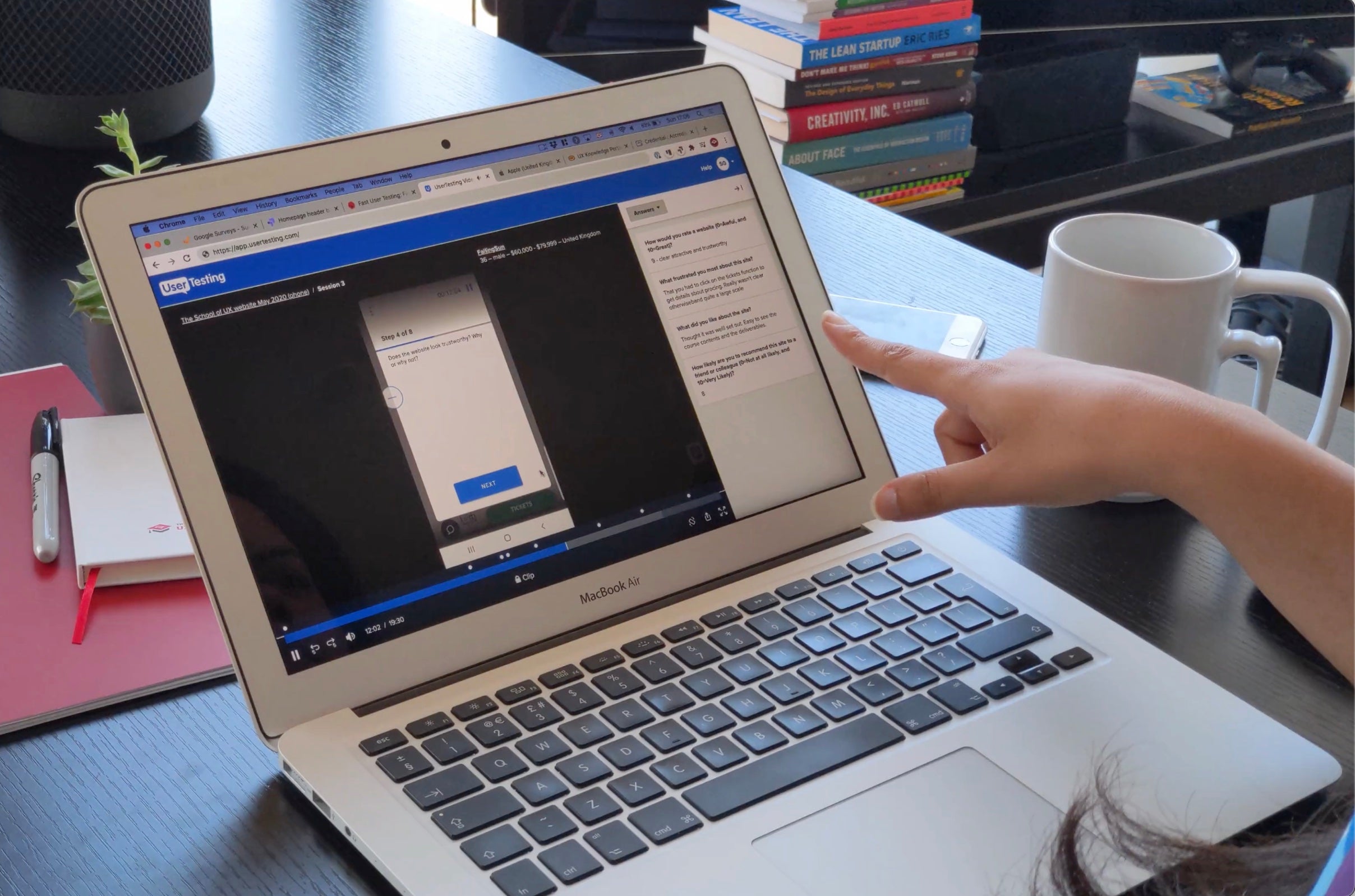
Prototype testing is most useful when the team has a clear assumption to challenge. We watch where people hesitate, misread, abandon or recover, then connect findings to the next design decision.
HIGH
Critical task cannot be completed without help.
Fix navigation, missing information or interaction logic before visual refinement continues.
MEDIUM
Users complete the task but take the wrong route.
Refine labels, hierarchy or affordances to make the intended path easier to understand.
LOW
Expectation mismatch creates hesitation.
Improve copy, feedback or component behaviour before handoff.
PROTOTYPE DIRECTIONS
Different questions need different prototype personalities.
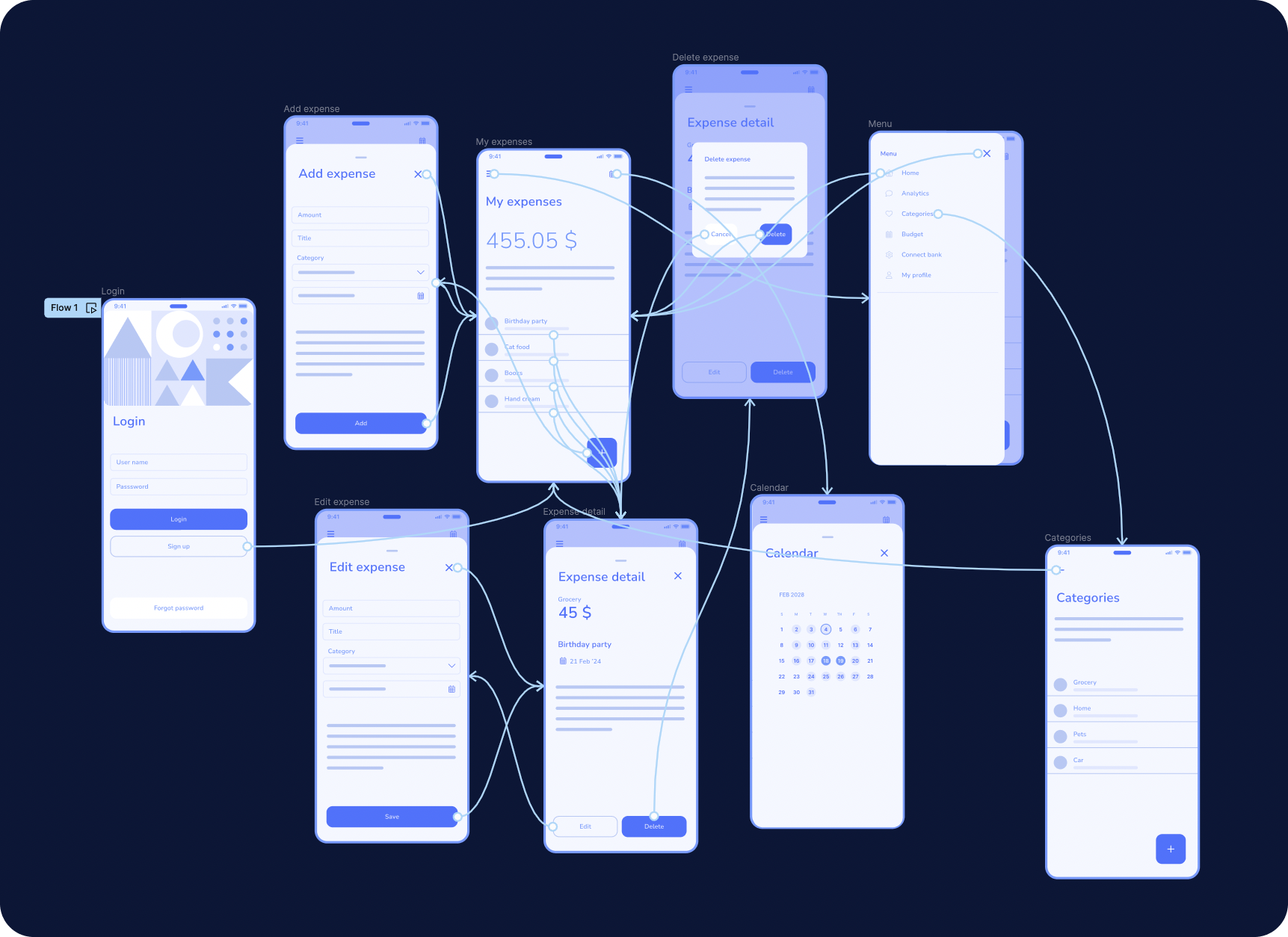
These three directions show how the same prototyping discipline can support detailed mobile flows, stakeholder-facing product demos or evidence-led validation.

PRODUCT FLOW
Detailed mobile prototype for an end-to-end user journey.
Best when the team needs to review navigation, forms, data states and transitions across several connected tasks.
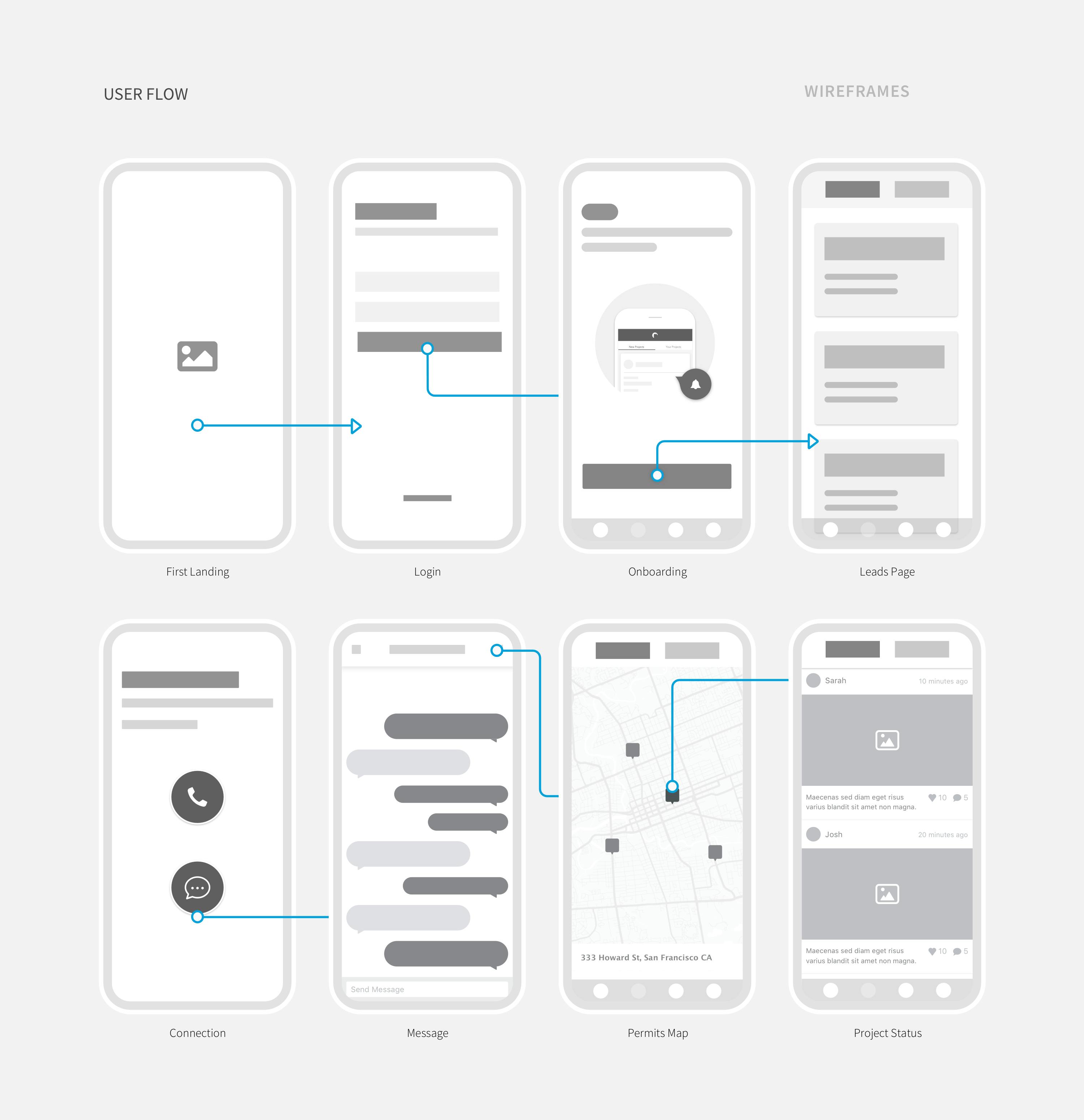
WIREFRAME FLOW
Structure-first prototype for scope and product logic.
Useful while the team still needs freedom to change the journey cheaply.
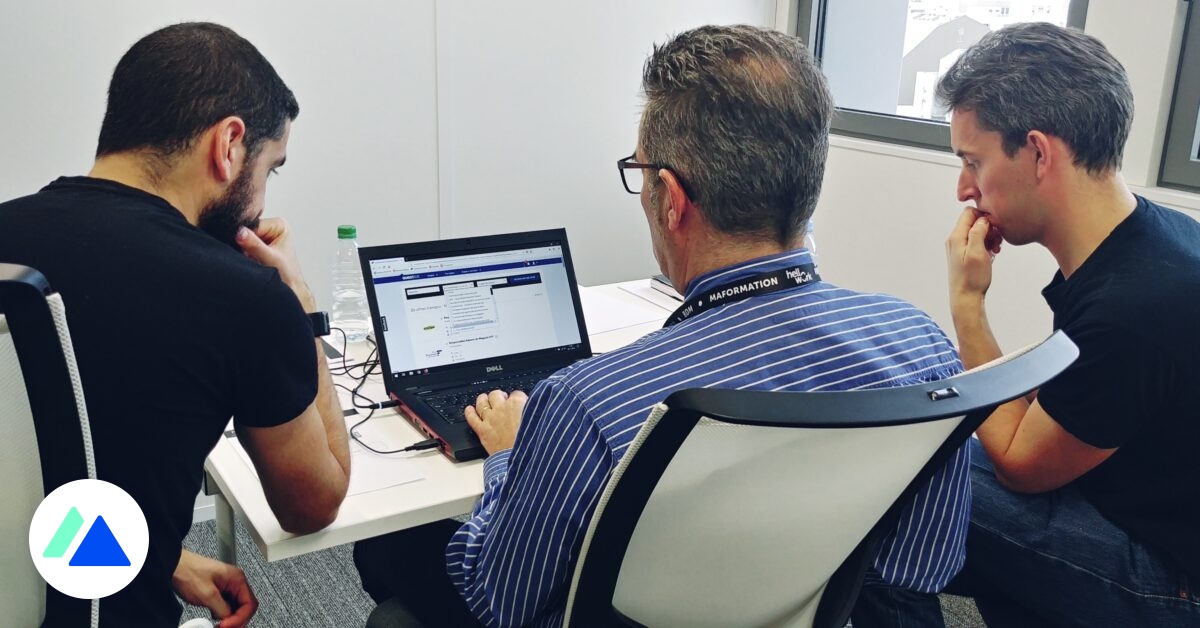
VALIDATION
Prototype prepared around real test scenarios.
Focus effort on the journeys where evidence can reduce product risk.
HANDOFF LEDGER
What your team receives when the prototype is ready to move.
Deliverables are organised around the decisions stakeholders need to approve and the details engineering needs to estimate and implement responsibly.
A prototype is not a substitute for every final UI specification. The handoff depth is matched to the agreed fidelity and the next delivery stage.
01
Flow maps
Entry points, decisions, alternate paths and task-completion logic.
02
Information architecture
Navigation, content hierarchy, labels and relationships.
03
Responsive wireframes
Core screens, layouts, priorities and breakpoint behaviour.
04
Clickable prototype
Connected priority journeys with relevant interactions and states.
05
Validation findings
Observed friction, task failures, evidence and prioritised changes where testing is included.
06
Development handoff
Editable files, annotations, states, edge cases and implementation context for the agreed scope.
PROTOTYPING PROCESS
A visible path from idea to development-ready product definition.
Each phase creates something the team can review before more detail is added. That keeps feedback focused and makes decisions easier to trace.
01DISCOVERY
Frame the product question
Clarify users, goals, constraints, known evidence and what the prototype must resolve.
02STRUCTURE
Map architecture and flows
Define content, roles, navigation, decisions and alternate paths before detailed screens.
03WIREFRAMES
Wireframe the important screens
Turn flows into visible hierarchy, responsive behaviour and system states.
04PROTOTYPE
Connect the prototype
Add the interactions required for review, demos or usability validation.
05DELIVERY
Validate, refine and hand off
Resolve priority findings and prepare the approved artefacts for the next delivery stage.
ENGAGEMENT & COST
Prototype scope follows journey complexity, not raw screen count.
Two products with twenty screens can require very different effort. Roles, branching logic, responsive behaviour, data states, validation depth and fidelity all change the work.
Number of user rolesCritical journeysResponsive platformsInteraction complexityTesting depth
Focused flow
One high-priority journey or feature with a limited screen set and clear decision goal.
Product prototype
Multiple connected journeys, states and responsive rules for an MVP or established product area.
Complex platform
Multi-role SaaS, enterprise or operational workflows with permissions, dense states and broader handoff needs.
PRICING INPUT
We scope after reviewing journeys, roles, fidelity, platforms, validation and the handoff expected from the prototype.
What is the difference between a wireframe and a prototype?
A wireframe defines structure, hierarchy and screen logic. A prototype connects screens and interactions so the team can experience how an important journey behaves before development.
When should a product team create wireframes?
Wireframes are useful when requirements are still moving, journeys are complex, stakeholders need alignment or engineering needs clearer scope before estimation and implementation.
What affects the cost of a prototyping project?
Cost depends on user roles, journeys, screens, states, platforms, fidelity, interaction complexity, validation needs and the depth of final handoff.
Should we start with low-fidelity or high-fidelity wireframes?
Low fidelity works best while structure and scope are still changing. Higher fidelity is useful when the team needs more realistic feedback, approval, presentation or usability testing.
Can you create responsive wireframes for mobile, tablet and desktop?
Yes. We can define how hierarchy, navigation, components and task flows adapt across the breakpoints included in the project scope.
Do you include loading, empty and error states?
Yes, when those states affect the journey. Permissions, validation, errors, loading, empty states and recovery paths can be included where relevant.
Do you create clickable Figma prototypes?
Yes. We can connect screens, overlays, states and transitions in Figma or another suitable tool so priority journeys can be reviewed and tested.
Can you prototype complex SaaS or enterprise workflows?
Yes. We can model multi-role navigation, permissions, tables, filters, approvals, data states and operational workflows when those are part of the product.
Can you create an investor or stakeholder demo prototype?
Yes. We can create a focused prototype that communicates the core product proposition and representative journeys without requiring a full production build.
Can the prototype be used for usability testing?
Yes. We can prepare task-focused journeys, realistic content, success criteria and the states needed to evaluate the assumptions that matter most.
Do you help define usability-test tasks?
Yes. Test scenarios can be structured around product questions, user goals, expected behaviour and the highest-risk parts of the journey.
Can you improve an existing wireframe or prototype?
Yes. We can audit the current flow, identify gaps or friction, then restructure, extend or increase fidelity around the areas that need more clarity.
Will we receive editable source files?
Yes. Deliverables can include editable Figma files, flow maps, prototype links, annotations and supporting documentation according to the agreed scope.
Can developers build directly from the prototype?
A prototype clarifies product logic and behaviour. Depending on fidelity, production development may also require final visual design, component specifications and implementation notes.
Can AppsLoading continue into UI design and development?
Yes. The engagement can continue into visual UI design, design systems, mobile or web development, backend engineering, design QA and launch support.
READY TO MAKE THE PRODUCT TANGIBLE?
Turn the idea into a prototype your users, stakeholders and developers can understand.
Share the product stage, important journeys and what still feels uncertain. We will recommend the right flow, fidelity, validation and handoff approach.

FROM IDEA TO TESTABLE PRODUCTFlows → Wireframes → Prototype → Validation → Handoff