



Custom CMS development
Purpose-built content types, roles, workflows and business rules for requirements that generic platforms cannot model cleanly.
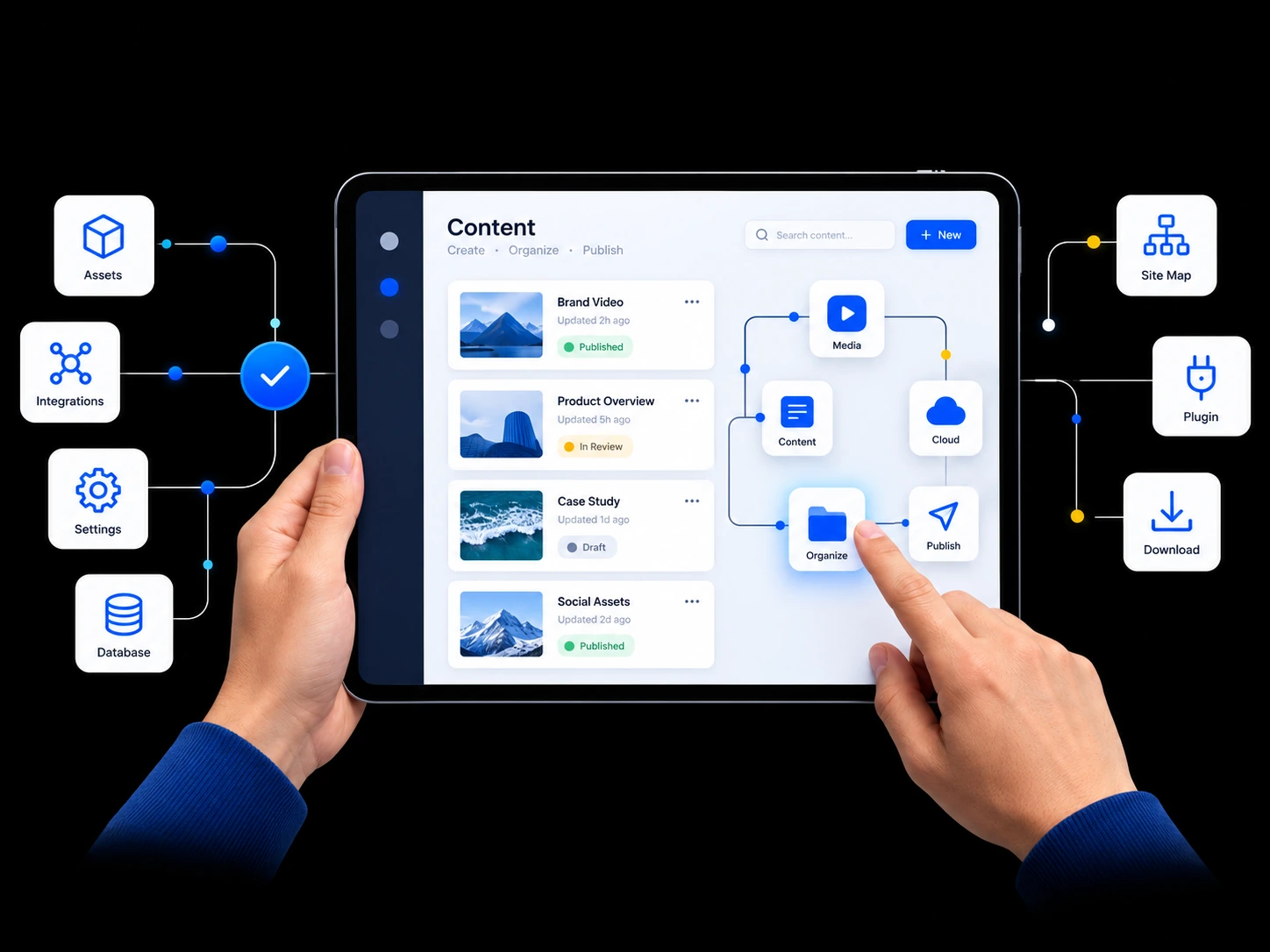
AppsLoading plans, designs and engineers custom CMS, headless CMS, WordPress and enterprise publishing platforms around real content models, editorial workflows, permissions, localization, integrations and migration requirements. Editors get practical publishing control while developers keep a maintainable foundation for future channels and products.
Use AppsLoading for a complete CMS programme or a focused engagement around platform selection, implementation, migration, integrations or publishing operations.
Purpose-built content types, roles, workflows and business rules for requirements that generic platforms cannot model cleanly.
API-first content platforms for websites, apps, portals and multi-channel products with independent frontend delivery.
Custom themes, Gutenberg blocks, plugins, permissions and editorial workflows without unnecessary plugin dependency.
Governed multi-site and multi-team publishing with permissions, approvals, localization and integration controls.
Move content, media, users, metadata and URLs while improving content models and protecting important search signals.
Regional content models, translation workflows, locale relationships and permissions for global publishing teams.
Connect CRM, ERP, PIM, commerce, DAM, search, analytics and automation through APIs, webhooks and events.
Improve performance, security, editor experience, platform maintainability and publishing workflows after launch.
The right platform depends on where your current content operation breaks. Those constraints should shape the architecture before technology is selected.
Page changes, campaign modules and new content types require engineering tickets.
Website, app, portal and campaign teams recreate the same source material.
Legal, compliance and regional reviews live in chat, email or spreadsheets.
URLs, metadata, content relationships and media make the current platform hard to replace.
Pages, articles, products, media and reusable modules.
Draft, review, approve, schedule and publish.
Author, editor, manager, legal and admin access.
Traditional, headless or hybrid rendering.
Languages, regions and translation workflows.
Business systems connected through APIs and events.
A content model is more than a list of fields. It defines how information is reused, related, governed, localized and delivered.
Separate stable content entities from page-specific presentation so the same source can support multiple experiences.
Use clear fields, previews, reusable blocks and guardrails instead of exposing technical structure to editors.
Structure content so new sites, apps, regions and campaigns can reuse existing information without replatforming again.
Teams move faster when the CMS makes status, responsibility and approval visible instead of pushing coordination into external tools.
Create with structured fields and reusable blocks.
Assign reviewers, comments and required changes.
Apply brand, legal, compliance and regional gates.
Coordinate publish times, languages and releases.
Track content performance and lifecycle decisions.
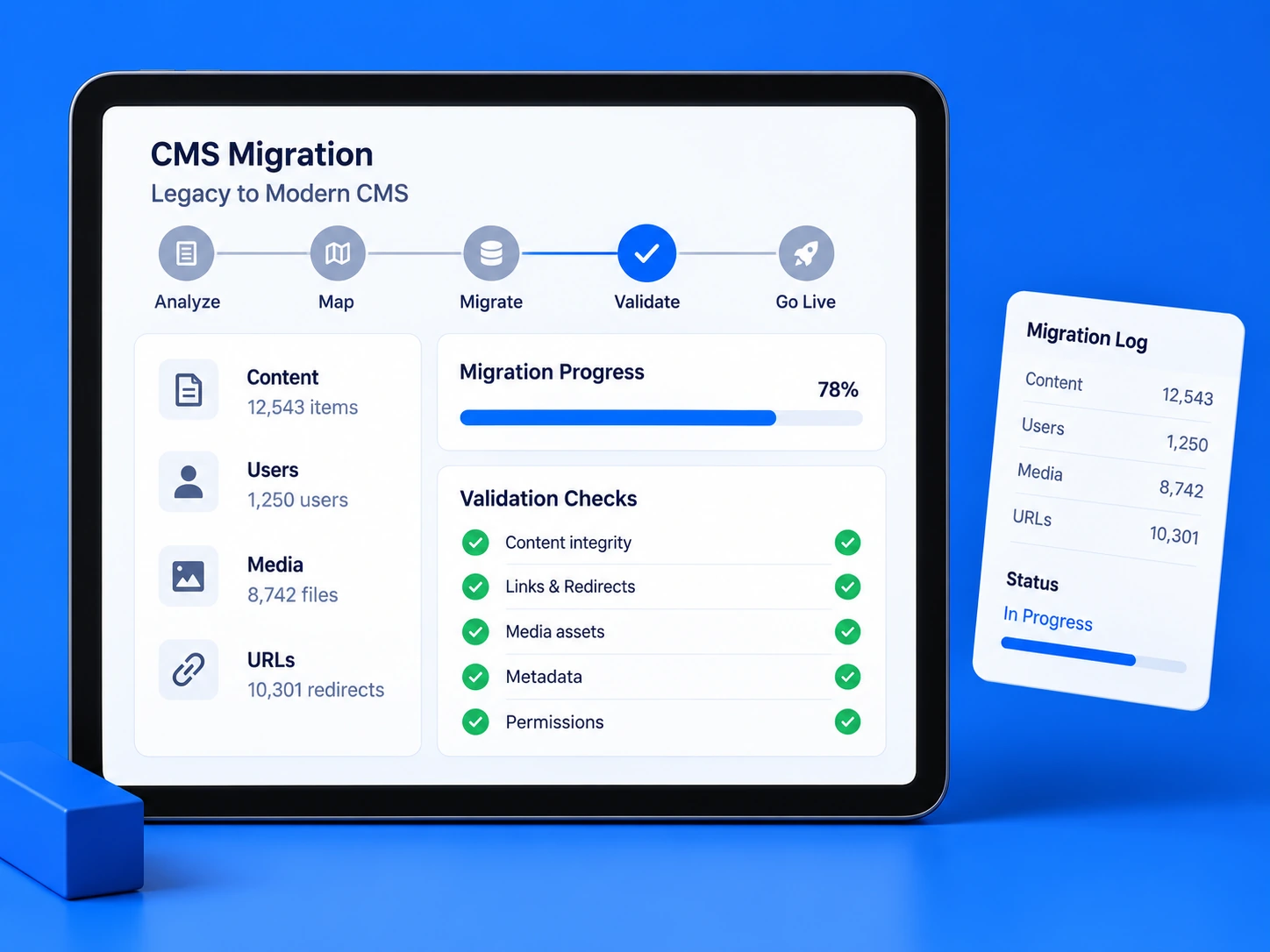
Migration is a data, publishing and SEO project as much as a technical rebuild. We map the old system before moving anything.
Audit content types, URLs, metadata, media, users and relationships.
Clean structures and map old fields into the new content model.
Preserve important URLs where possible and plan redirects, canonicals and metadata transfer.
Check counts, links, media, permissions, structured data and rendering before launch.
A good CMS should make the safe path obvious. Editors should be able to publish quickly without accidentally breaking layout, design consistency or required metadata.
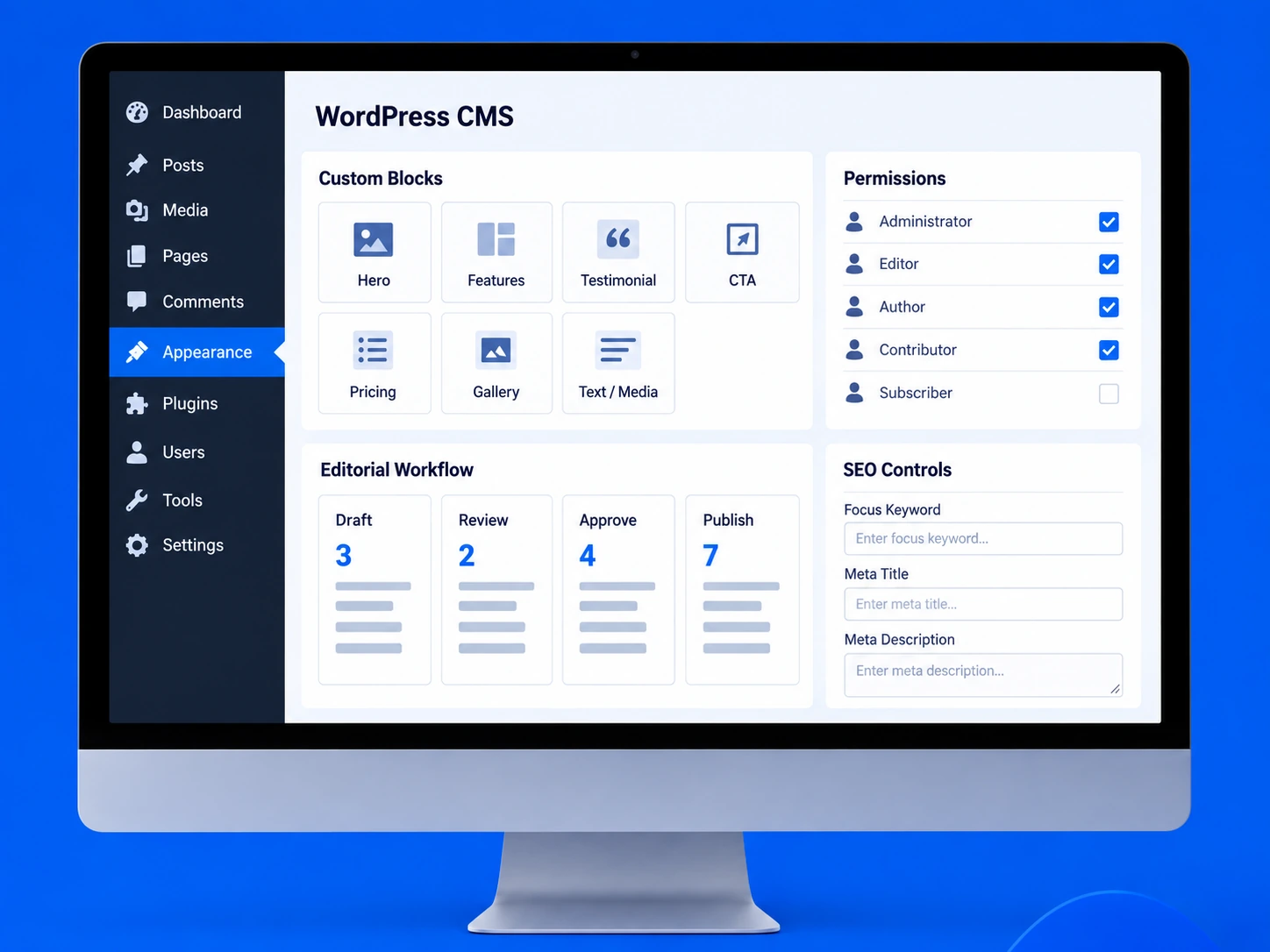
Roles should map to real responsibilities. Strong governance protects content quality without forcing every change through one administrator.
A modern CMS should move content cleanly between the systems that manage customers, products, media, search, analytics and digital experiences.
Keep publishing ownership clear while CRM, commerce, DAM, search and analytics continue to do the jobs they are best at.
Customer, product and operational systems exchange the information needed to personalize, transact and automate.
Specialist content services extend the CMS without forcing every capability into the publishing platform itself.
Content moves through APIs, caching and deployment layers into websites, apps, portals and campaign experiences.
Analytics and experimentation close the loop so teams can understand how content performs after publication.
Technology selection comes after the operating model. We work across traditional CMS, headless platforms and custom application stacks.
Best when content management, preview and website delivery should stay tightly connected.
Best when multiple channels or independent frontend teams need structured content delivery.
Use the frontend stack that best supports rendering, preview, performance and deployment.
Newsrooms, publishers and content brands need workflow, scheduling, taxonomy, search and governance at scale.
Campaigns, buying guides, merchandising and product storytelling need reliable links between CMS and commerce data.
Multiple teams may publish product pages, documentation, resources and regional content on one platform.
Government, education and healthcare often require stronger permissions, review, accessibility and multilingual controls.
CMS development cost changes with the platform, content model, workflow depth, migration volume, integrations, localization and governance requirements. Discovery should make those variables visible before a fixed implementation plan is agreed.
Content, workflow and migration decisions should become clear before the team invests heavily in frontend implementation.
Audit content types, users, publishing pain points, regions and integrations.
Define entities, relationships, roles, states, delivery model and platform fit.
Configure authoring UI, previews, permissions, APIs and connected systems.
Transform content, move media and users, validate SEO and test workflows.
Train editors, release in phases where needed and improve the platform after launch.
Share your current CMS, content volume, editor roles, languages, integrations and migration constraints. We’ll turn that into a practical architecture and phased delivery plan.
Plan your CMS architecture →We compare editor experience, content structure, integrations, performance, governance, scale and future channels before recommending a platform.
Yes. Reusable blocks, structured fields, previews and controlled workflows let editors publish more independently.
Cost depends on the platform, content model, workflow complexity, migration volume, integrations, localization and governance requirements. Discovery is used to turn those variables into a practical implementation estimate.
A focused implementation may take several weeks, while enterprise migrations and multi-site platforms can require phased delivery over several months.
A headless CMS manages content separately from the frontend and delivers structured content through APIs.
It is useful when content must serve multiple channels or the frontend needs greater technical flexibility.
No. It is best when multi-channel delivery, frontend flexibility or complex integrations justify the additional architecture.
Yes. We can build custom themes, plugins, Gutenberg blocks, workflows, permissions and integrations.
Yes, when architecture, security, governance, hosting and editorial workflows are designed appropriately.
Yes. We can improve performance, security, UX, blocks, plugin dependency and publishing workflows.
Yes. We can migrate content, users, media, URLs, metadata and related structures with validation.
We plan URL mapping, redirects, metadata transfer, structured content and post-launch checks before cutover.
Yes. Large migrations can be delivered by content type, region, site or business unit to reduce launch risk.
Yes. We can implement multilingual content models, translation workflows, regional publishing and permissions.
Yes. Support can include updates, security, performance, workflow improvements, new integrations and platform maintenance.
Yes. We provide role-based training, documentation and publishing guidance for editors and administrators.
We’ll map the content model, workflow, platform fit, migration and integration priorities before implementation begins.