



Navigation and information architecture problem.
UI/UX DESIGN SERVICES
Digital experiences designed to feel clear, intuitive and premium.
AppsLoading creates user-centred interfaces for mobile apps, websites, SaaS platforms and complex digital products. Research, information architecture, wireframes, prototypes, design systems and usability testing stay connected from discovery to developer handoff.
✓ User-centred design✓ Clickable prototypes✓ Scalable design systems✓ Development-ready handoff
Research-ledDecisions grounded in users, product context and evidencePrototype-firstImportant journeys are explored before final interface polishSystem-readyReusable components and states support consistent product delivery
UX ResearchInformation ArchitectureUser FlowsWireframesInteractive PrototypesMobile UIWebsite UIDesign SystemsUsability TestingDeveloper Handoff
DESIGN DECISION BOARD
Good UI starts after the team understands what the user is trying to do.
We frame the product problem before polishing screens. The work starts with evidence, context, journeys and decisions, then moves toward interaction and visual systems.
THE DESIGN QUESTIONWhat must become clearer, easier or more trustworthy for the user?
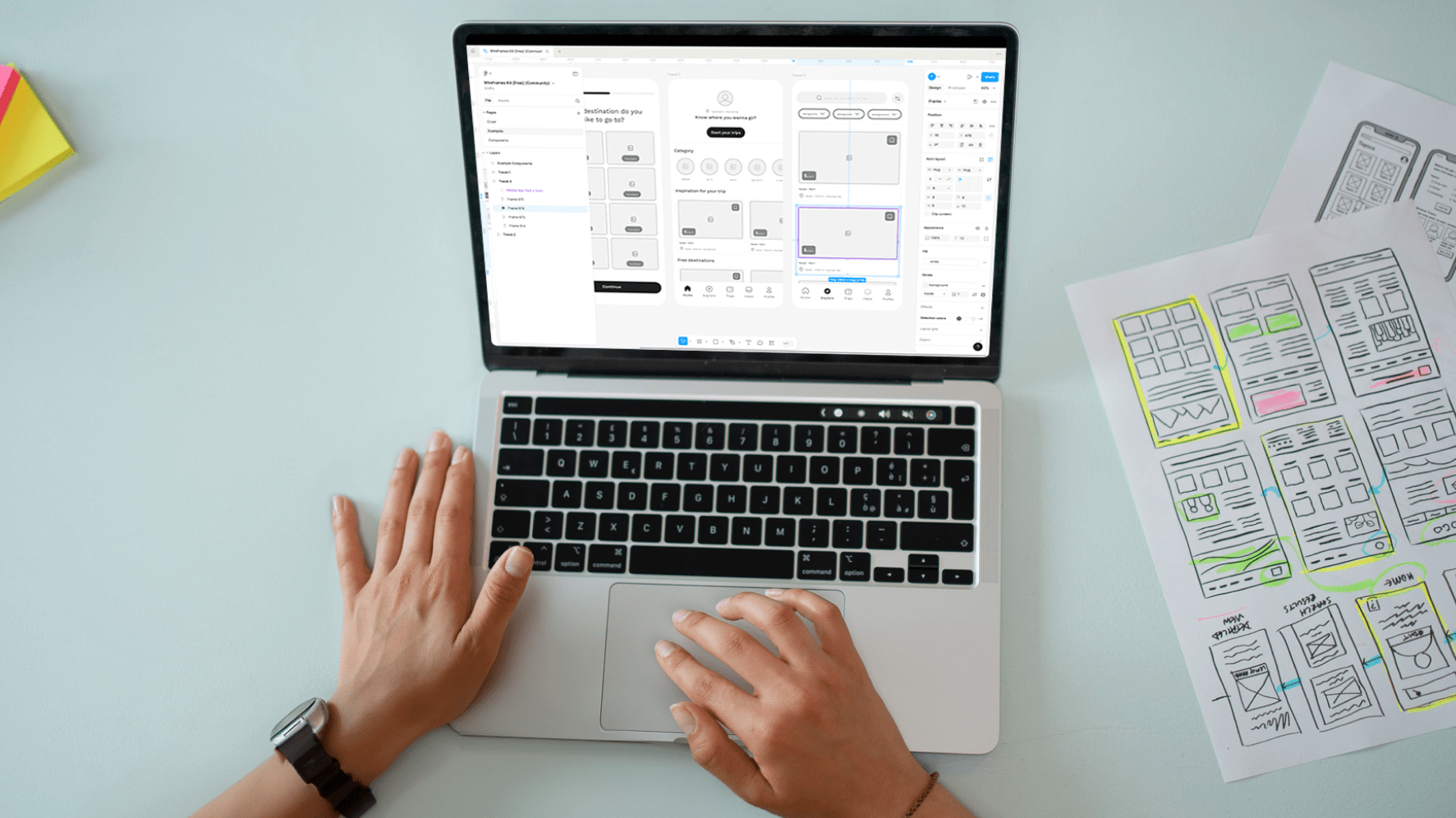
Trust, hierarchy and decision-friction problem.
Onboarding, activation and value-communication problem.
Component and design-system problem.
PRODUCT EXPERIENCEEvidence → Decision → Interface
RESEARCH LAB
Collect the signals before deciding the screens.
Research is not a generic workshop phase. We use the methods that reduce uncertainty around your users, product and highest-risk journeys.

01 / USERS
User interviews and task context
Understand goals, language, expectations, workarounds and the points where current journeys break.
Output: needs, patterns, quotes, task evidence02 / DATA
Analytics and behavioural signals
Review funnels, drop-offs, search behaviour, heatmaps or support data when those sources are available.
Output: behavioural evidence and priority questions03 / MARKET
Pattern and competitive review
Identify familiar interaction conventions, category expectations and meaningful opportunities without copying competitors.
Output: pattern inventory and design constraints04 / TEAM
Stakeholder and technical discovery
Align business goals, platform constraints, content, permissions, data dependencies and implementation realities.
Output: product assumptions and decision boundariesEXPERIENCE MAP
Design the full decision journey, not isolated screens.
Each stage asks a different design question. The interface should help users orient themselves, understand choices, act with confidence and know what happened next.
Orient
Where am I? What can I do here? What matters first?
HIERARCHY · NAVIGATION · CONTEXTDecide
What is the difference between options? What information builds confidence?
CONTENT · COMPARISON · TRUSTAct
What is the next step? Is the interaction predictable and easy to complete?
FORMS · CONTROLS · FEEDBACKReturn
Can users resume, review, manage and understand what changed?
STATE · HISTORY · RETENTIONUI/UX DESIGN SERVICES
Choose the stage that needs sharper product thinking.
Engage AppsLoading for end-to-end product design or for a focused design problem inside an existing product team.
01
UX Research & Discovery
Clarify users, behaviours, needs, assumptions and product opportunities before screen design.
Research · Discovery02
Information Architecture
Organise content, features, navigation and product structure around how users think and work.
Structure · Flows03
Wireframing & Prototyping
Explore journeys and interactions quickly before committing to polished visual execution.
Wireframes · Prototype04
Mobile App UI/UX
Design intuitive mobile experiences with clear states, gestures, navigation and responsive behaviour.
iOS · Android05
Website UI/UX
Create responsive digital experiences with strong hierarchy, brand expression and conversion journeys.
Web · Conversion06
SaaS & Dashboard Design
Simplify data-heavy workflows, permissions, states and operational tasks for complex products.
SaaS · Enterprise07
Design Systems
Build reusable components, variants, tokens and standards that improve consistency and delivery speed.
Components · Tokens08
UX Audit & Product Redesign
Find usability problems, prioritise friction and redesign the journeys with the highest product impact.
Audit · RedesignPROTOTYPE STUDIO
Make the interaction testable before it becomes expensive to change.
Clickable prototypes make the product tangible early. Stakeholders can review real journeys, users can test key tasks and developers can understand intended states before implementation.
01Task flows and navigation structure
02Screen states and interaction feedback
03Responsive behaviour and edge cases
04Usability test scenarios and review points
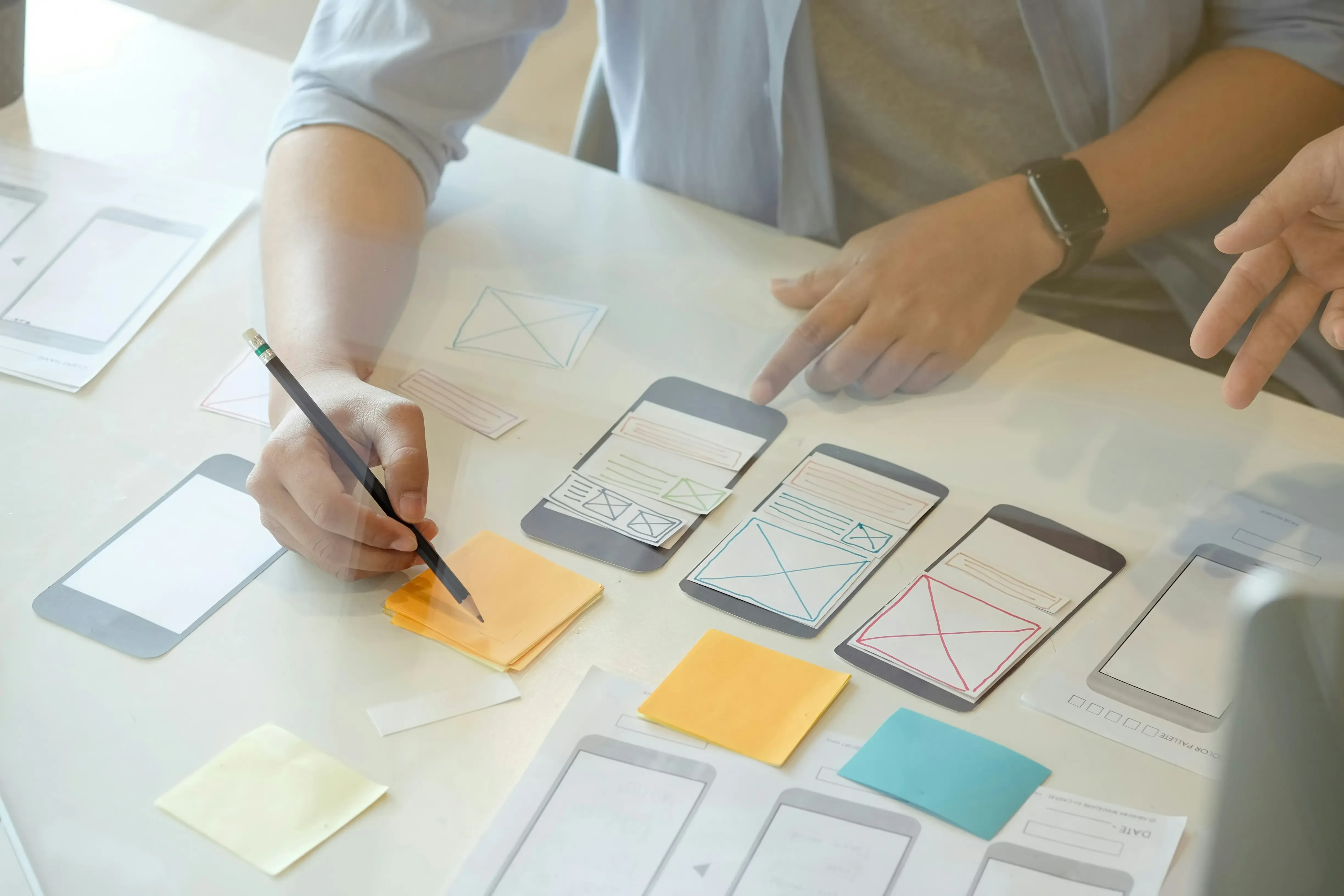
TASK 03Find and save a preferred optionPrototype path validated
Responsive statesDesktop · Mobile · Error · Empty
PRODUCT REDESIGN
Redesign should remove friction, not just replace the visual style.
We compare the current experience with the intended task, then change hierarchy, information, interaction and visual treatment where those changes improve the journey.
BEFORE / UNSTRUCTURED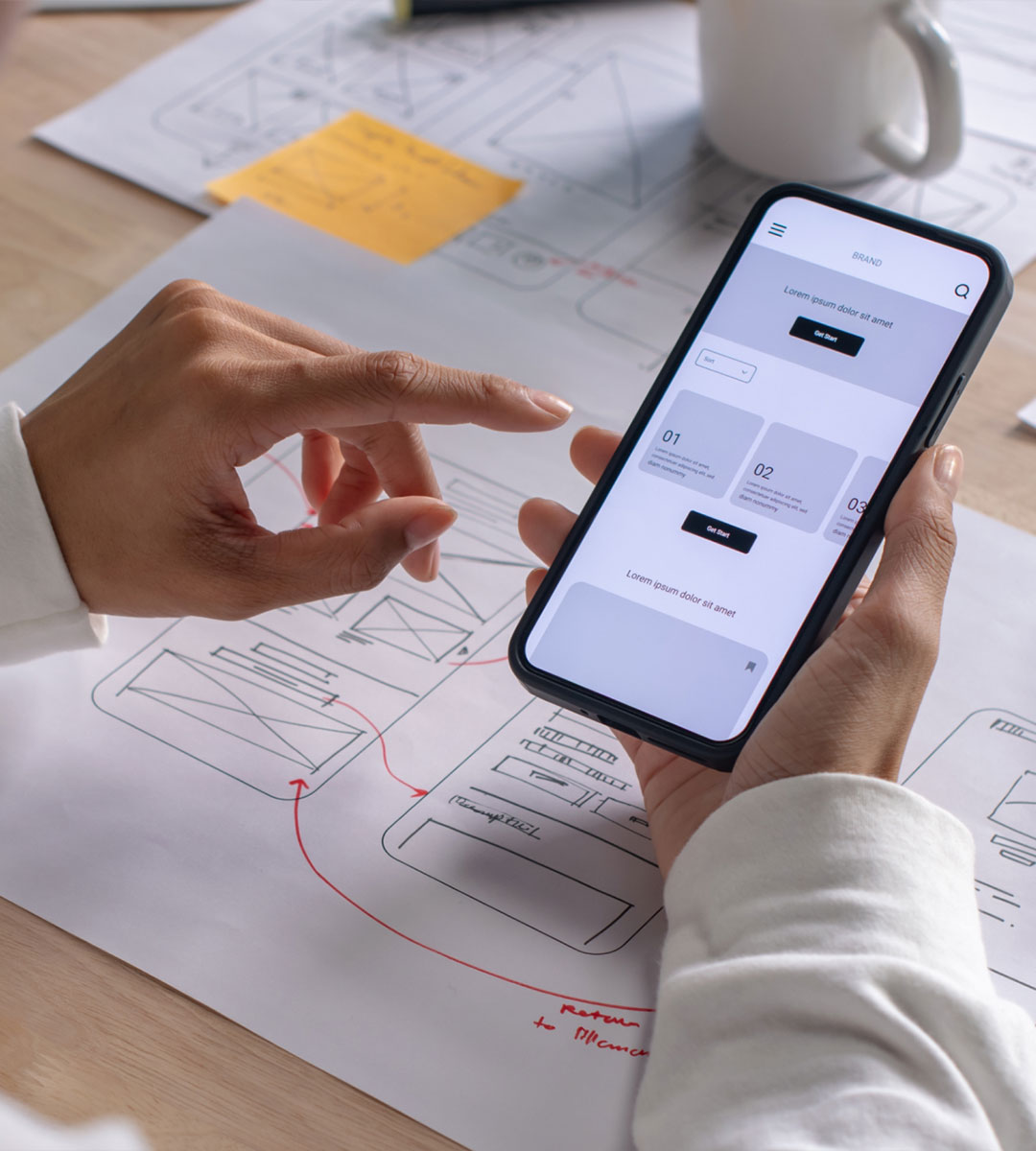
Mixed prioritiesCompeting signals · weak hierarchy · unclear next action
AFTER / PURPOSEFUL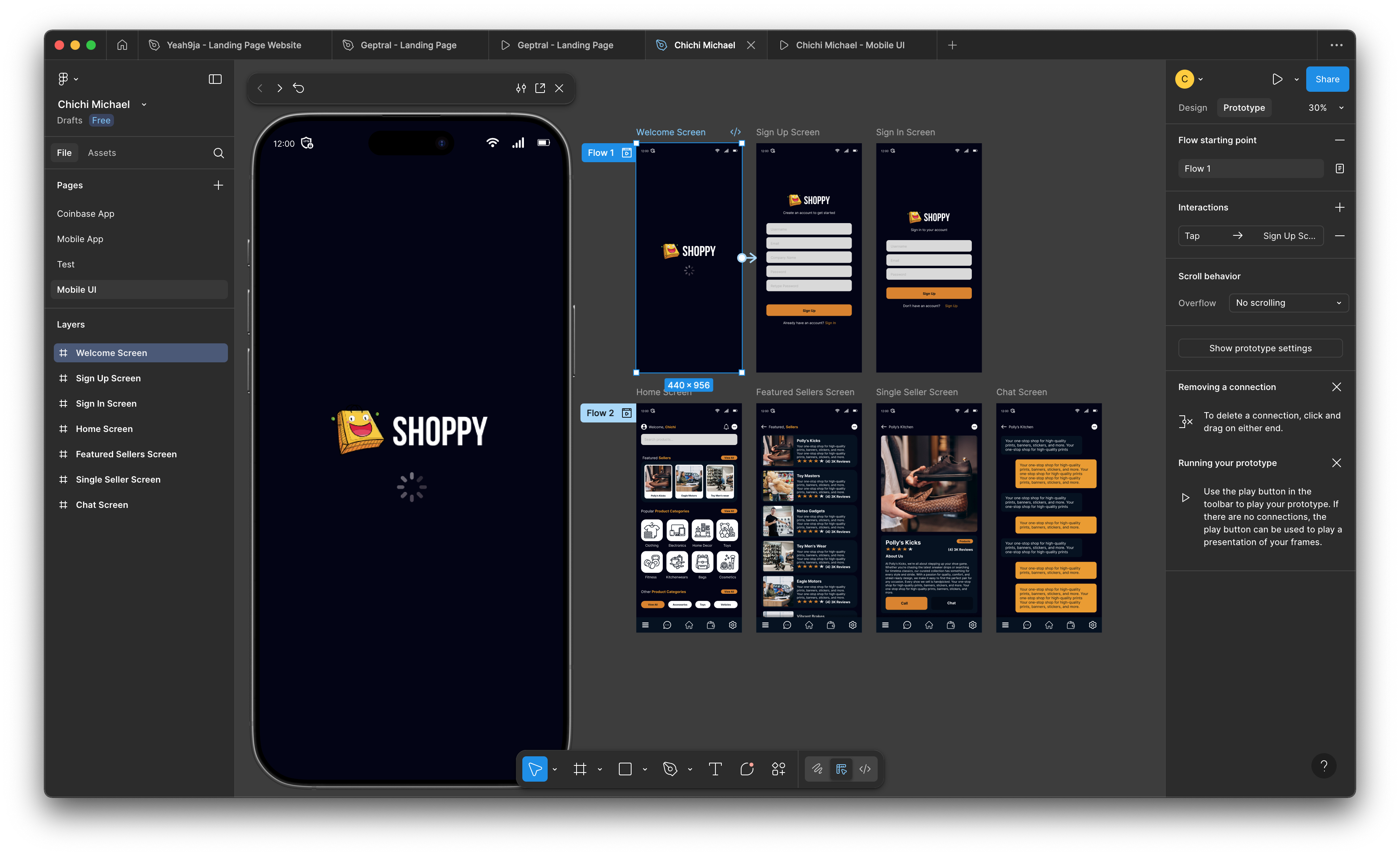
Purposeful hierarchyClear state · stronger action · calmer density
DESIGN SYSTEM ANATOMY
Consistency becomes easier when the rules are designed, not remembered.
We connect foundations, components, variants and interaction states so teams can ship new screens without rebuilding the visual language every time.

Colour and semantic roles
Primary, feedback, surface, border and text roles that work across product states.
Hierarchy with repeatable scale
Display, heading, body, label and utility styles with predictable spacing.
AaDisplay / Heading / Body / Label
Reusable product building blocks
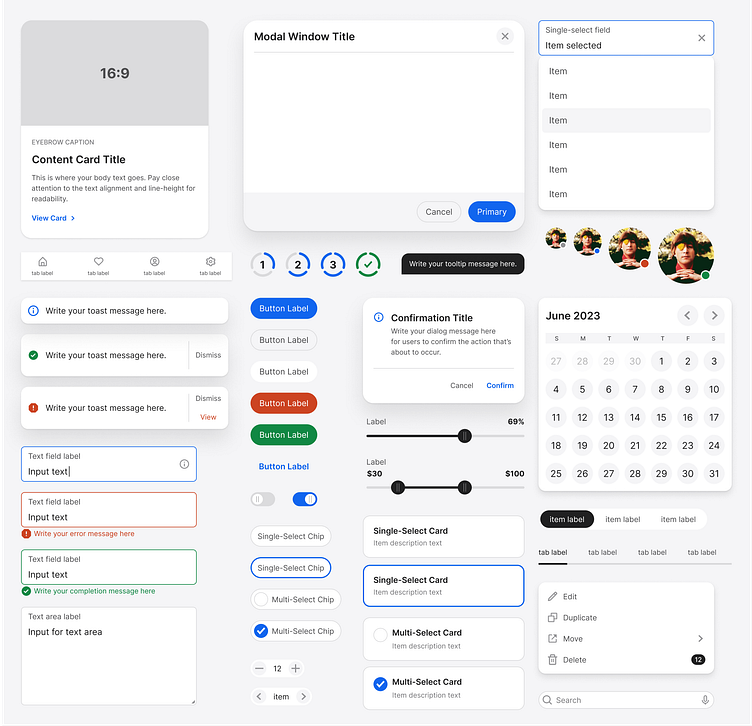
Buttons, inputs, navigation, tables, cards, alerts and their important variants.
Designed beyond the happy path
Loading, empty, validation, error, success, disabled and permission-aware states.
USABILITY LAB
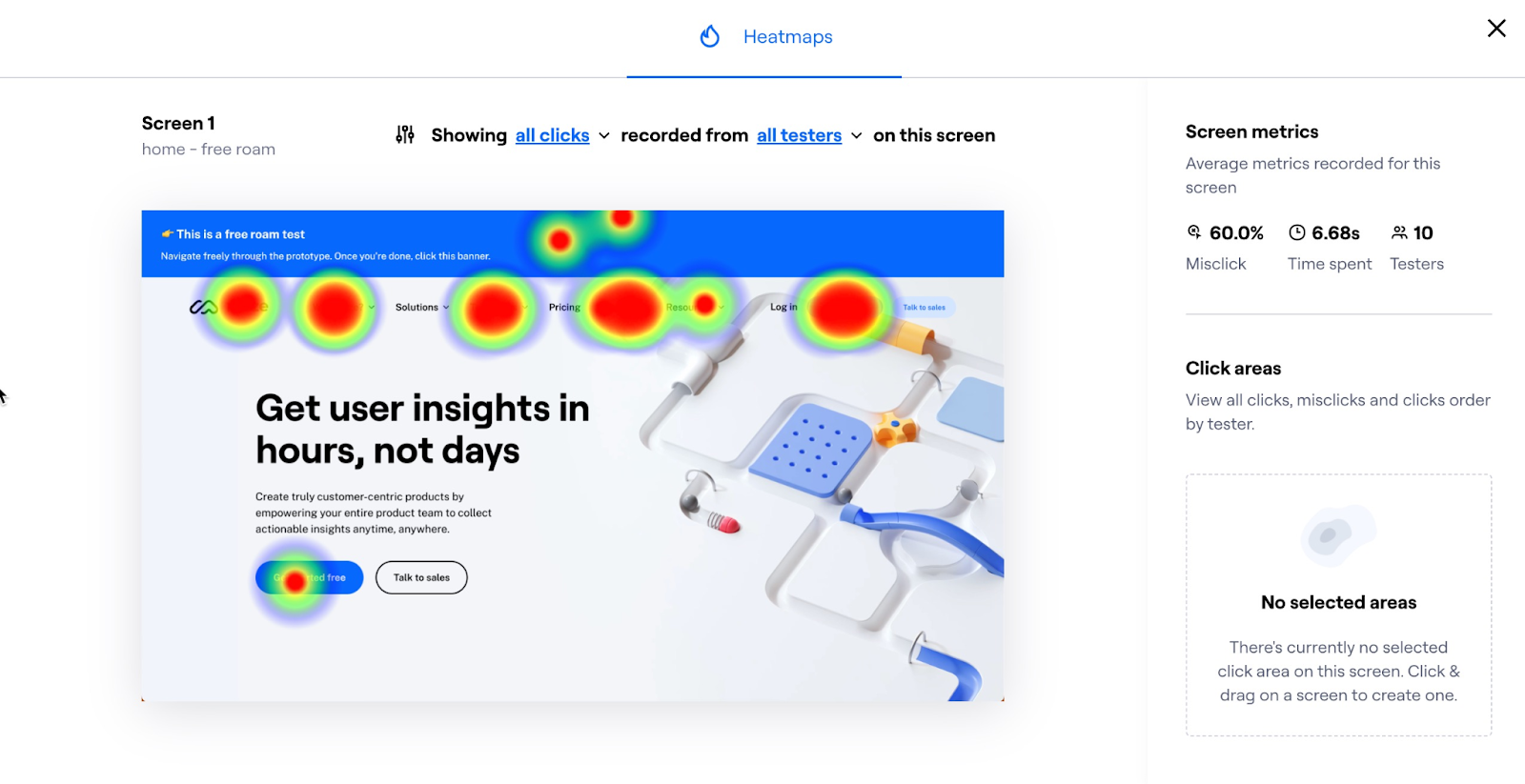
Find where people hesitate, misread or fail before launch.
Testing turns opinions into observable product evidence. Findings are prioritised by severity and connected to a recommended design response.
HIGH
Users cannot tell whether changes were saved.
Observed in 4/5 sessionsAdd persistent save state, confirmation feedback and recovery behaviour.
MEDIUM
Filter labels do not match user terminology.
Observed in 3/5 sessionsRename filters using the language users already use in their workflow.
LOW
Secondary actions look equally important.
Observed in 2/5 sessionsReduce visual emphasis and preserve one obvious primary task.
SELECTED DESIGN DIRECTIONS
Different products need different interface personalities.
These visual directions show how hierarchy, density, tone and component systems can adapt to different product contexts.
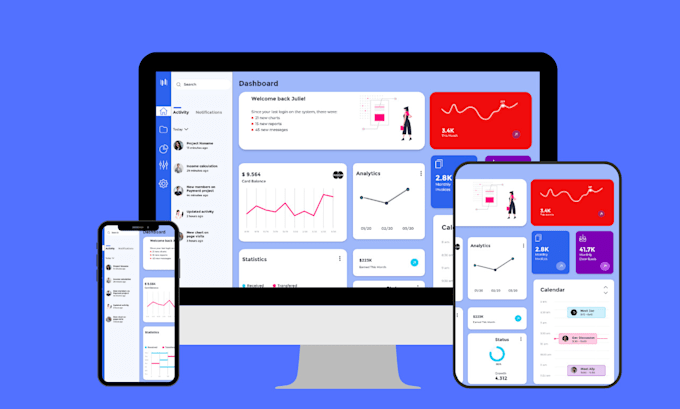
PRODUCT EXPERIENCE
Editorial clarity for a high-trust digital experience.
Responsive hierarchy, structured content and a restrained interface system.
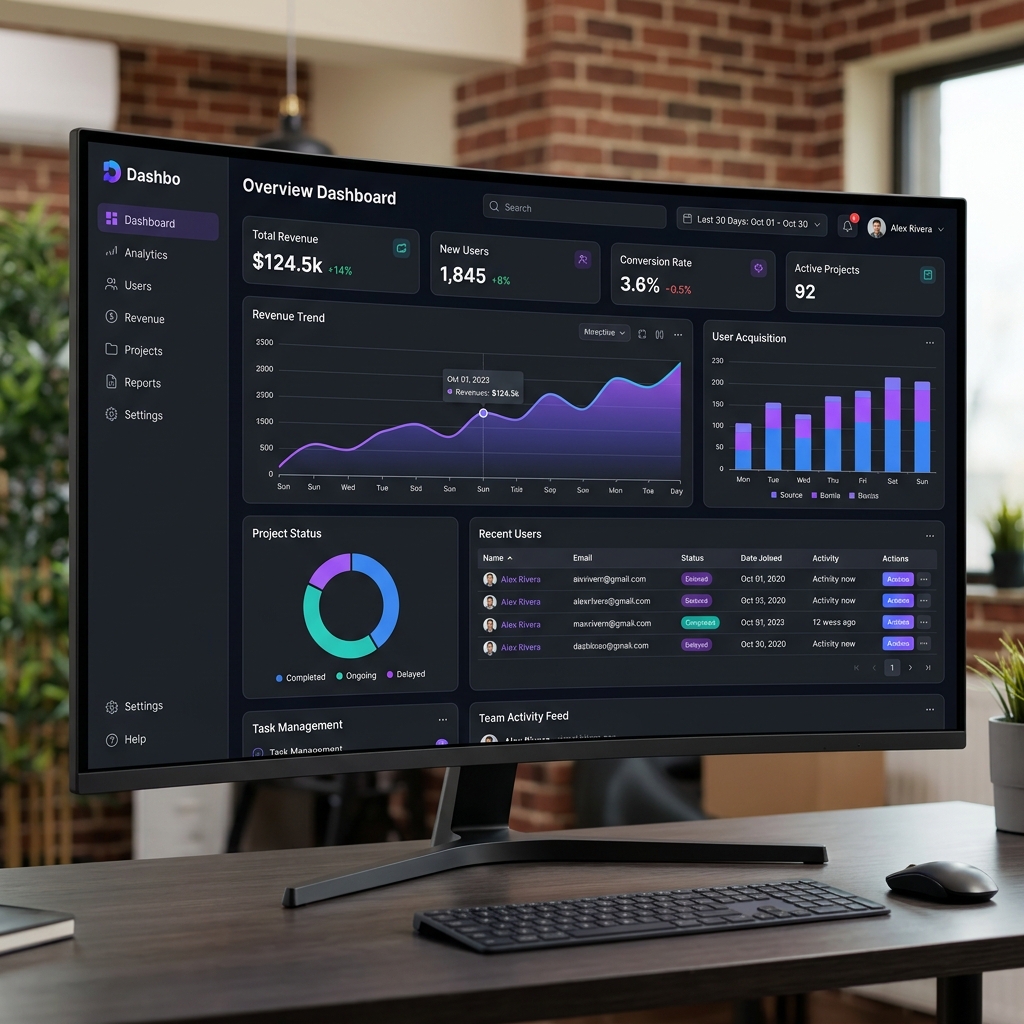
SAAS PRODUCT
Dense workflows made calmer and easier to scan.
Dashboard hierarchy, actions, states and reusable product patterns.

PORTAL EXPERIENCE
Role-based tasks with clear navigation and status.
Operational flows designed for repeat use and fast comprehension.
DELIVERABLES LEDGER
What your team receives.
Deliverables are organised around the decisions your stakeholders need to review and the details your development team needs to implement.
01
Research summary
Evidence, assumptions, user needs, pain points and prioritised product opportunities.
02
Information architecture & flows
Product structure, navigation logic and end-to-end task journeys.
03
Wireframes
Low-fidelity layouts for hierarchy, content and interaction decisions.
04
Interactive prototype
Clickable journeys for stakeholder review, user testing and implementation alignment.
05
Responsive UI screens
Final interface designs covering relevant devices, states and edge cases.
06
Design system & handoff
Reusable components, tokens, specifications and implementation guidance.
DESIGN PROCESS
A visible path from uncertainty to implementation.
Each phase creates an artefact the team can review before the next layer of design effort is added.
01DISCOVERY
Discover the product context
Clarify users, goals, constraints, evidence and the product decisions that matter most.
02UX
Structure the experience
Define information architecture, user flows and hierarchy before detailed interface design.
03PROTOTYPE
Prototype the important journeys
Make key flows tangible and test interactions before final visual execution.
04UI DESIGN
Design the interface system
Create responsive screens, components, states and reusable visual foundations.
05DELIVERY
Validate and hand off
Refine usability, document behaviour and support implementation with design QA.
ENGAGEMENT & COST
Budget follows the number of decisions the design needs to resolve.
UI/UX scope is shaped more by product complexity than raw screen count. Research depth, workflows, platforms, system maturity and validation all affect effort.
Focused UX auditDesign sprintEnd-to-end product designEmbedded design support
01
Research depth
User access, interview rounds, analytics, market review and discovery complexity.
02
Journey complexity
Number of roles, permissions, workflows, states and edge cases that need design.
03
Platforms and responsiveness
Mobile, web, tablet, dashboard or cross-platform design requirements.
04
Design-system scope
Whether the project extends an existing system or creates reusable foundations from scratch.
05
Testing and iteration
Prototype validation, usability testing, accessibility review and implementation support.
What is included in a UI/UX design engagement?
The scope can include research, product strategy, information architecture, user flows, wireframes, prototypes, visual interface design, design systems, usability testing and developer handoff.
Can you redesign an existing product?
Yes. We can audit the current experience, identify friction, prioritise important journeys and redesign the product without forcing a full rebuild of every screen.
How long does a UI/UX project take?
Timing depends on product complexity, number of journeys, research depth, stakeholder availability and the amount of validation required. Focused engagements may take weeks; larger product systems can take longer.
Do you conduct user research?
Yes. Research may include stakeholder interviews, user interviews, surveys, analytics review, competitive analysis and journey mapping when those methods fit the project.
Can you work when direct user access is limited?
Yes. We can work from available evidence, analytics, support data, stakeholder knowledge and documented assumptions while clearly separating evidence from hypotheses.
Do you define information architecture and user flows?
Yes. We structure content, features, navigation and task flows before visual design so the interface is built on a clear product model.
Do you create wireframes and clickable prototypes?
Yes. Wireframes help validate structure and hierarchy, while interactive prototypes help teams review flows, test interactions and align before development.
Do you design mobile apps, websites and SaaS products?
Yes. We design mobile apps, responsive websites, SaaS platforms, dashboards, portals, marketplaces and complex enterprise workflows.
Can you create or extend a design system?
Yes. We can create reusable components, variants, states, spacing rules, typography, tokens and usage guidance, or extend an existing system.
Do you perform usability testing?
Yes. We can test prototypes or live products with representative users and translate findings into prioritised design changes.
Can you review accessibility?
Yes. Reviews can cover contrast, hierarchy, focus states, keyboard use, labels, target sizing and other interface considerations relevant to the product.
How are UX issues prioritised?
We prioritise issues by severity, evidence, task impact, business relevance and the cost or risk of leaving the issue unresolved.
What do developers receive?
Developers receive organised source files, responsive states, component behaviour, specifications and clear implementation notes for the approved scope.
What affects UI/UX design cost?
Cost depends on research depth, number of platforms, number and complexity of flows, visual design scope, design-system work, testing and the level of ongoing collaboration required.
Do you support the product after handoff?
Yes. Ongoing support can include design QA, iteration after testing, new features, design-system expansion and collaboration with the development team.
READY TO DESIGN?
Build the experience around the decisions your users actually need to make.
Share the product, the users and the friction you want to solve. AppsLoading can turn that context into a clear research, UX, prototype and interface plan.
Research-ledPrototype-firstDesign-system readyDeveloper handoff

Research→Prototype→System