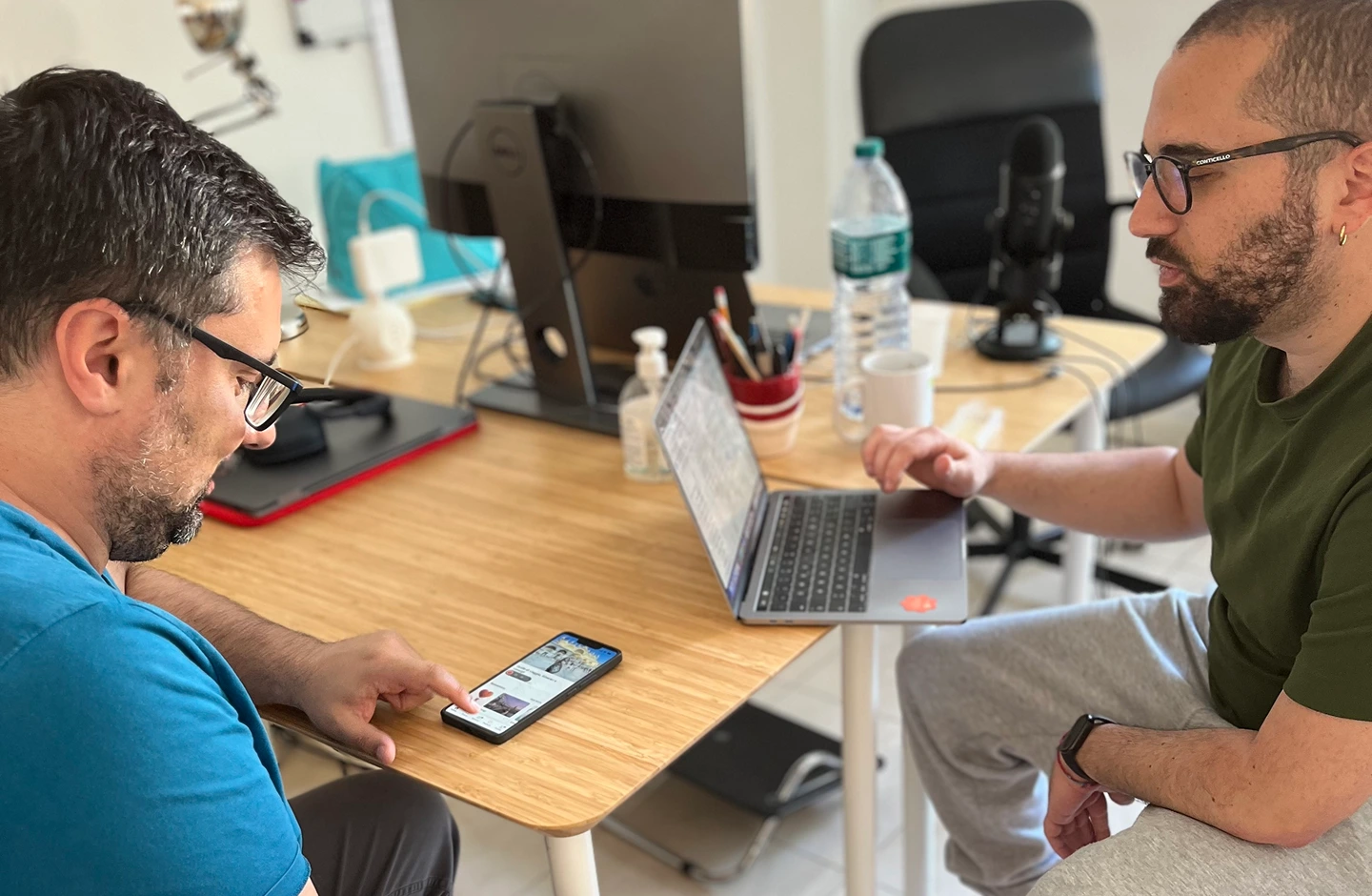



MODERATED PRODUCT STUDY
Understand why users fail, hesitate or invent workarounds in a critical journey.
Live sessions, follow-up probing, clips, task outcomes, severity and product recommendations.

AppsLoading tests websites, mobile apps, SaaS products and interactive prototypes with representative users. Moderated and unmoderated studies turn observed behaviour into severity-ranked findings, clearer product priorities and practical UX improvements.
Useful testing begins by defining what the team needs to learn, which journey matters, who represents the real audience and what evidence would change a product decision.
Observe information scent and comparison behaviour
Look for uncertainty, mistrust and hidden assumptions
Measure errors, hesitation and recovery
Moderated, unmoderated, prototype, benchmark and accessibility studies answer different questions. We match the method to product maturity, participant access, risk and evidence required.
Live facilitation creates room for probing, follow-up and context when complex behaviour needs explanation.
DepthStructured remote tasks support faster iteration and larger participant samples without live facilitation.
ScaleTest navigation, comprehension and interaction logic while changes are still cheap to make.
Pre-buildCompare alternatives or current-versus-proposed journeys using the same tasks and measures.
CompareEvaluate keyboard, focus, screen-reader behaviour, clarity, contrast and interaction barriers.
InclusiveUses workflow software daily · approves spend · manages 6 people
Limited category familiarity · recently completed setup
We define recruitment around behaviours, responsibilities, product familiarity and context that actually affect the task being studied.
Recruit people who actually perform the workflow, not people who merely resemble a marketing segment.
Separate new versus experienced users, roles, devices or accessibility needs when those differences can change findings.
Use eligibility questions that confirm recent behaviour, decision responsibility and product exposure.
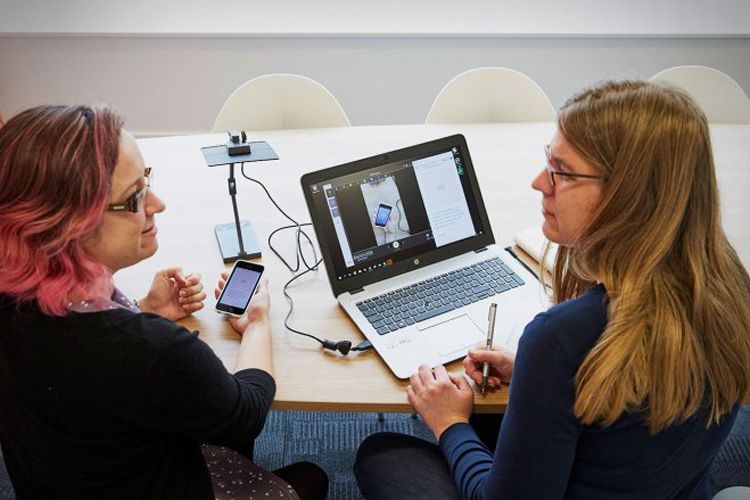
The most useful moment is often not when a participant says something is difficult. It is the pause, backtrack, repeated click or incorrect assumption that happens before they explain it.
Clicks, hesitation, route choice, errors, workarounds and facilitator dependence.
Ask what the participant expected after the behaviour reveals a mismatch worth understanding.
Record task outcomes, clips, verbatim language and product states that support each finding.
Remote studies work best when tasks are specific, success can be observed and prompts avoid teaching participants how to complete the experience.
Pass, fail, abandonment and assisted completion.
Route choice, detours and unusually long steps.
Post-task confidence paired with actual behaviour.
Frequency across participants and segments.
Participant entered billing twice, opened help, then returned to account settings.
We rank findings using evidence strength, task impact, recurrence and business relevance so teams can separate blockers from minor polish.
Add explicit completion state, receipt confirmation and recovery guidance before changing surrounding visual details.
Rename options around customer goals and test comprehension again before launch.
Reduce emphasis and protect one obvious action hierarchy in the affected state.
Simplify during the next content pass; it should not delay higher-impact fixes.
Accessibility evaluation can combine interface review with real task testing so keyboard use, focus, labels, contrast, content clarity and assistive technology behaviour are evaluated in context.
Focus order, visibility, traps, menus, modals and task completion without a pointer.
Labels, headings, control state, instructions and meaningful reading order.
Contrast, target size, zoom behaviour, error visibility and dependency on colour alone.
Logical order from cart summary to payment fields.
Invalid card state is visible but not announced immediately.
Closing address editor returns to the trigger control.
These are common programme shapes, not fixed packages. Scope changes with product stage, audience, journey criticality and the confidence needed before the next decision.
Live sessions, follow-up probing, clips, task outcomes, severity and product recommendations.


Outputs are built for product decisions and implementation, not presentation theatre.
A focused plan tied to the product question and evidence needed.
Organised source evidence with consent and access handled as agreed.
Problems grouped by repeated evidence rather than isolated anecdotes.
Practical UX and product changes connected to each high-value finding.
A concise playback that helps product, design and engineering align on action.
The process stays visible from study framing through recruitment, sessions, analysis and activation.
Define the product question, critical journey, success criteria and evidence that would change the decision.
Set behavioural screeners, audience segments and context requirements.
Create scenarios that reveal behaviour without teaching participants how to succeed.
Capture task outcomes, hesitation, errors, language and recovery behaviour.
Group patterns, score severity, recommend changes and identify what should be retested.
The number of participants is only one input. Product maturity, number of segments, moderation depth, recruiting difficulty, platforms, task complexity and accessibility needs also shape effort.
One critical journey, one primary audience and a narrow product decision.
Several connected tasks, audience variation and a deeper set of findings and clips.
Recurring studies across releases, roles or product areas with repeatable evidence standards.
We estimate after reviewing audience, study method, recruitment, task scope, platforms and expected deliverables.
User testing observes representative users completing realistic tasks in a product or prototype so the team can see usability problems, failed expectations and improvement opportunities.
Testing is useful before development, during redesign, before launch, after a major release or whenever a critical journey underperforms and the reason is unclear.
Scope depends on participant segments, recruitment difficulty, study method, number of journeys, product maturity, accessibility needs and the depth of analysis and delivery required.
Moderated studies are guided live and allow follow-up questions. Unmoderated studies are completed independently using structured tasks and are useful when broader evidence or faster iteration is needed.
Yes. Low- and high-fidelity prototypes can be tested to validate navigation, comprehension, task logic and risky interactions before engineering begins.
Yes. Comparative studies can evaluate current versus proposed journeys or alternative flows, messages and interaction patterns using the same task conditions.
Yes. We can define behavioural screeners, participant criteria and recruitment segments, and support recruitment and scheduling where included in the engagement.
The right sample depends on the audience diversity, study question, research method and confidence required. We recommend the sample during study planning rather than using one fixed number.
Yes. Stakeholders can observe moderated sessions where appropriate or review selected recordings, clips and structured evidence afterward.
Deliverables can include the study plan, participant criteria, recordings, clips, task outcomes, severity-ranked findings, recommendations and a stakeholder readout.
Findings are prioritised using task impact, frequency, evidence strength, affected audience and product or business importance.
Yes. Recommendations can reference affected flows, states, examples and implementation context so product, design and engineering teams can act on the evidence.
Yes. Testing can cover keyboard navigation, focus order, screen-reader behaviour, clarity, contrast, target sizing and other barriers relevant to the product and audience.
Yes. Follow-up validation can confirm whether revised experiences solve the original problems without introducing new friction.
Yes. Testing can be organised as recurring research sprints, release checkpoints or continuous product-learning programmes across journeys and audiences.
Share the product, critical journeys and audience. AppsLoading can recommend the right study method, participant strategy and decision-ready deliverables.