



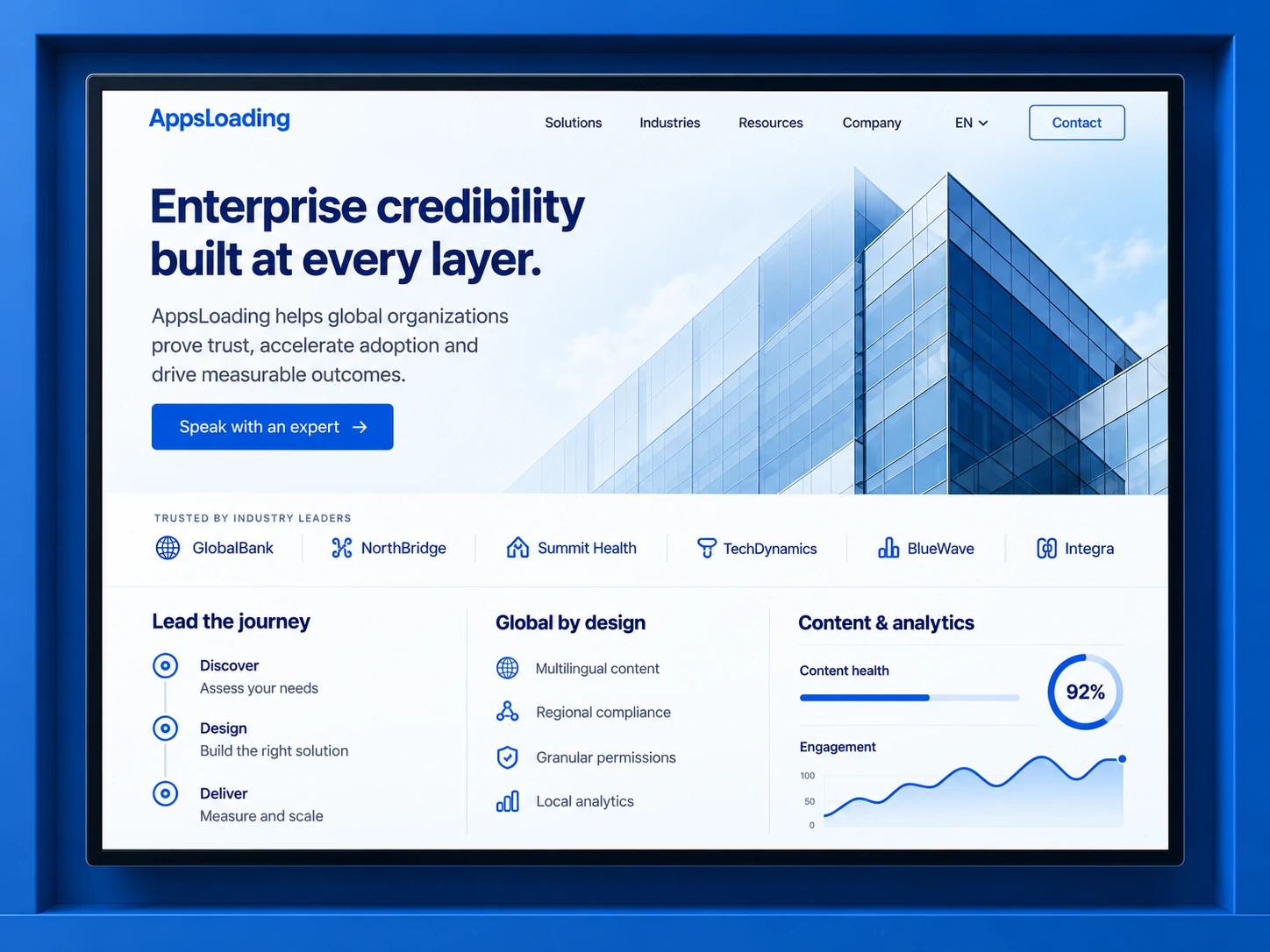
CORPORATE · B2B · CONTENT
Premium marketing platforms where brand control and publishing speed have to coexist.
Use structured Gutenberg patterns, custom content types and technical SEO foundations to scale pages without losing consistency.
AppsLoading engineers custom WordPress platforms that stay fast, editable and maintainable as content, commerce and integrations grow. We build block themes, custom Gutenberg blocks, WooCommerce systems, plugins, migrations, performance improvements, security controls and long-term support around the way your team actually works.
The CMS becomes a durable business platform when content models, block choices, permissions, plugins and performance constraints are deliberate.
Structured blocks, patterns and custom fields can speed publishing without letting every page drift off-brand.
Semantic templates, internal linking, clean URLs and reliable metadata controls support scalable content operations.
WooCommerce can handle tailored catalogues, checkout, integrations and order operations when the extension strategy is controlled.
Uncontrolled widgets, duplicated styling and plugin overlap can create long-term performance and maintenance debt.
Headless or a dedicated web application architecture may be a better fit for highly interactive product experiences.
Engagements can cover the full WordPress platform or a focused engineering problem such as blocks, WooCommerce, plugins, migration or performance.
Purpose-built websites and content platforms with structured templates and reusable components.
Custom blocks, block patterns, templates and editor controls aligned with your design system.
Catalogues, product templates, checkout, payments, promotions, shipping and operational integrations.
Business workflows, APIs, automations and functionality that should not live inside a theme.
Modernize layout, content models and code while preserving URLs, data and search value.
Reduce plugin overhead, improve caching, optimize media and strengthen deployment and access controls.
Use WordPress as the editorial backend while a separate frontend delivers the user experience.
Updates, QA, backups, monitoring, feature work and roadmap support after launch.
We define what editors can change, which layouts are reusable, where custom blocks are justified and how global styling is governed across the site.
Editors get approved layouts and meaningful controls instead of hundreds of visual settings that create inconsistency.
Define typography, spacing, colors and block settings centrally.
Build only where core blocks, patterns or fields are not enough.
Use WordPress-native interactive patterns where they fit the product.
The best WordPress implementation balances flexibility with a predictable design system and safe publishing controls.
Product pages matter, but the harder engineering usually lives in checkout behavior, integrations, inventory, subscriptions, promotions and post-purchase operations.
Use WooCommerce blocks and custom extensions where they reduce theme coupling and improve maintainability.
Connect gateways, shipping, tax, inventory and external systems with clear failure handling.
Plan queries, media, caching and hosting around real product and traffic volumes.
A stable WordPress platform avoids both extremes: rebuilding everything from scratch and installing a plugin for every small requirement.
Core blocks, patterns, roles, media and APIs usually create the lowest-maintenance foundation.
Payments, SEO tooling or established integrations often make more sense through maintained products.
Custom plugins are useful when business rules, integrations or product behavior are specific to your operation.
Theme weight, block output, third-party scripts, database behavior, media, hosting and plugin choices all influence real-user performance and crawlability.
Hero media, server response, critical CSS and image delivery.
Script cost, interaction handlers, third-party code and main-thread work.
Reserved media space, fonts, ads, embeds and late layout changes.
Build page structure around meaning and search intent rather than visual wrappers.
Keep indexation rules deliberate as content types and filters expand.
Control image sizes, formats and layout stability before content reaches production.
Audit tags, widgets, consent tools and marketing scripts for real performance cost.
A safe migration protects URLs, data, metadata and editorial continuity while replacing the parts that create technical debt.
Map URLs, content types, plugins, integrations, templates, traffic and conversion-critical pages.
Preserve useful content and data while identifying builder lock-in, outdated plugins and structural problems.
Define block patterns, custom fields, post types, redirects and editorial responsibilities before migration.
Move content, media and integrations, then test rendering, permissions, redirects and analytics.
Track crawl issues, redirects, Core Web Vitals, conversion events, server errors and editor feedback after release.
Editorial workflow is part of the product. We design the admin experience around content ownership, publishing risk and the technical responsibilities of each role.
Build pages from approved blocks, patterns and structured fields without touching code or global styles.
Publish safelyLaunch campaign pages, update proof, manage SEO fields and maintain reusable content.
Move fasterManage products, promotions and operational content without breaking storefront templates.
Control catalogOwn custom blocks, plugins, integrations, deployment and upgrade compatibility.
Protect systemManage users, plugins, security, backups and environment-level configuration.
Govern accessSeparating WordPress from the frontend can be powerful, but it adds build, preview, deployment and integration complexity that should solve a real requirement.
Usually the best fit for marketing sites, editorial platforms and many WooCommerce experiences.
Useful when the frontend is shared across channels or needs a separate product architecture.
Different WordPress products need different levels of editorial control, custom engineering and operational integration.
Use structured Gutenberg patterns, custom content types and technical SEO foundations to scale pages without losing consistency.
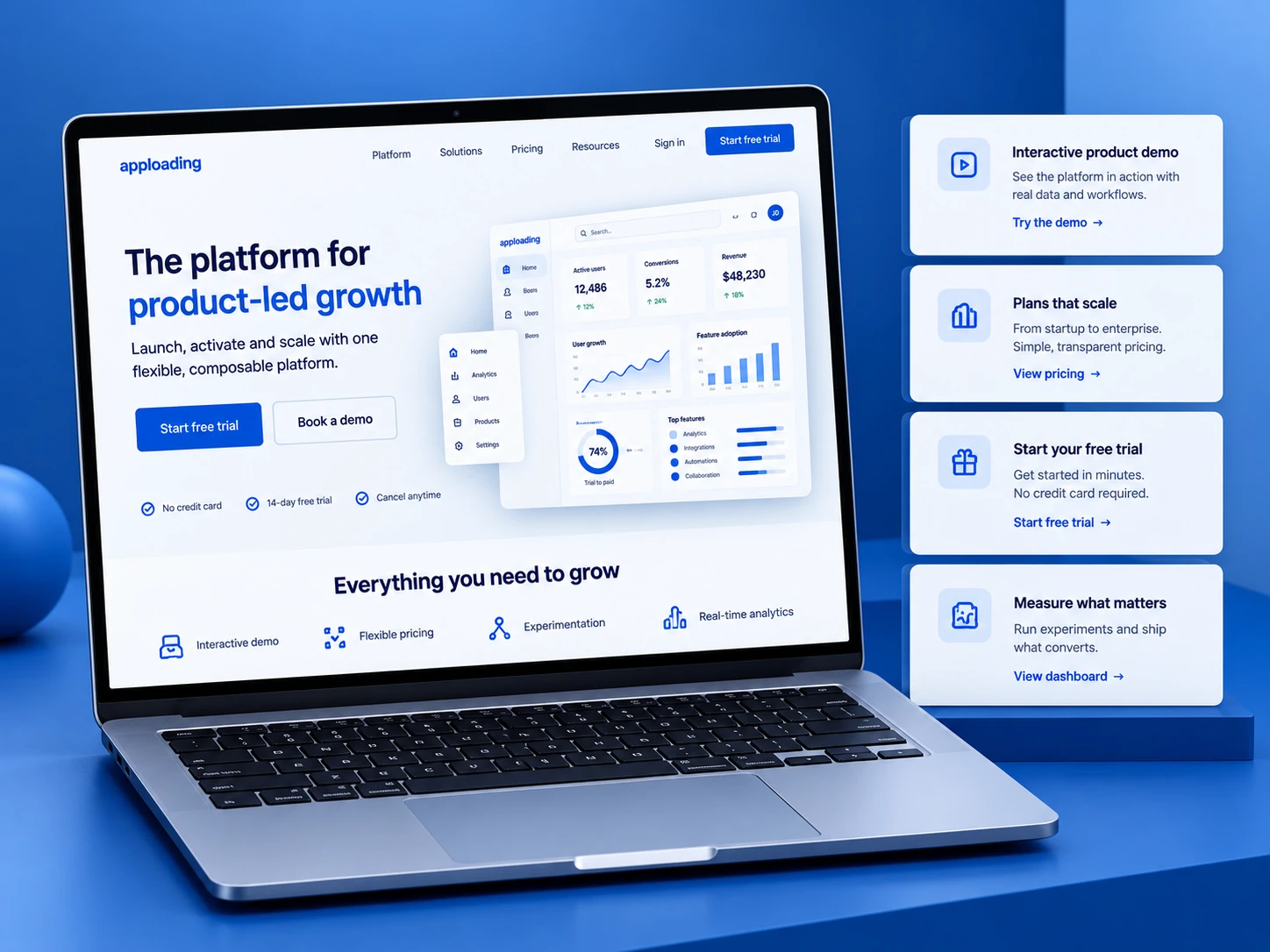
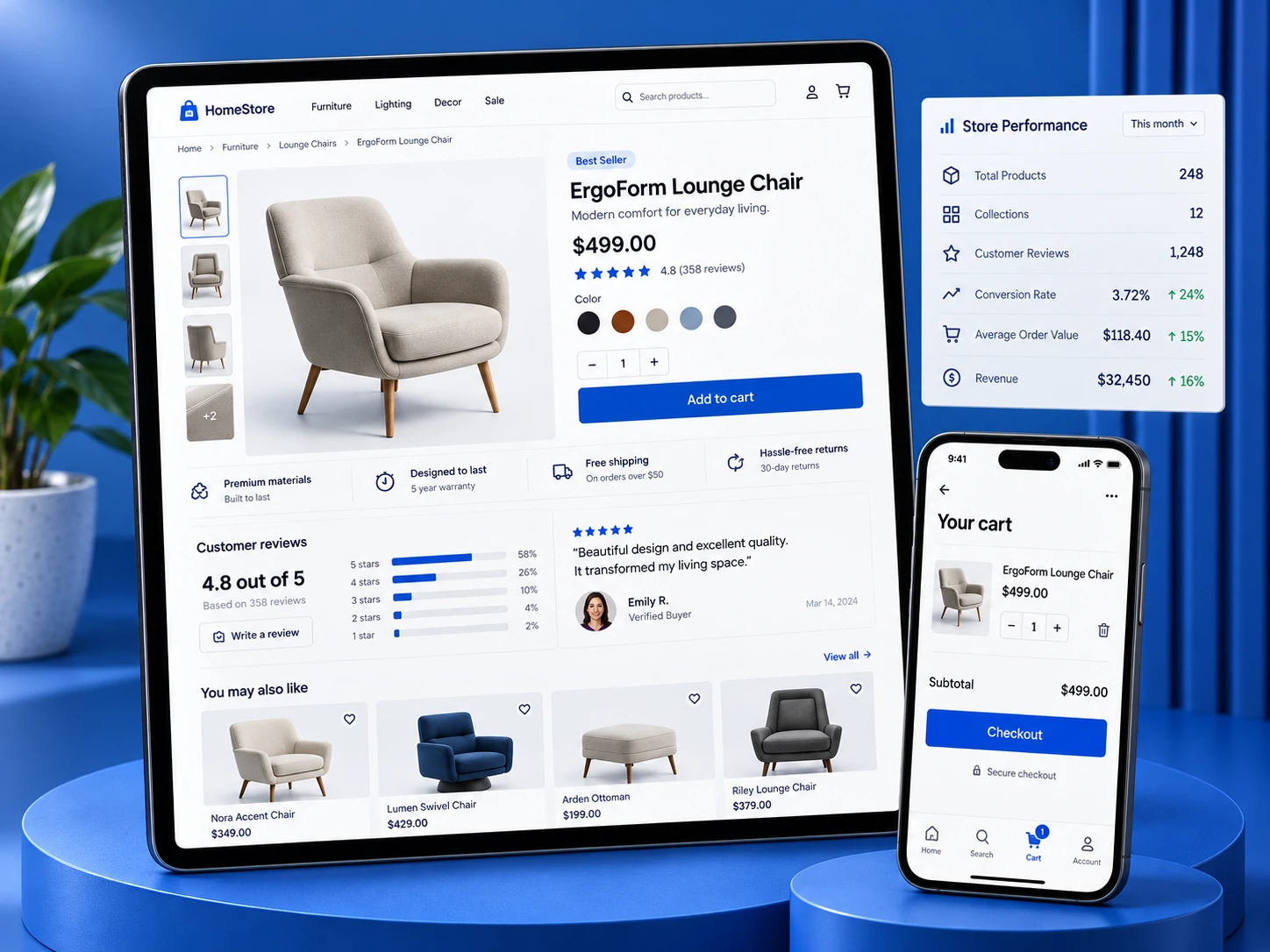
Technology choices should support the content model, editor workflow, performance target and long-term maintenance model.
The platform can support very different products, but the right structures, permissions and integrations change by industry.
Service architecture, case studies, resources, locations and qualified lead generation.
Blocks · CRM · SEOWooCommerce catalogues, checkout, fulfilment integrations and content-led merchandising.
WooCommerce · Payments · ERPStructured service content, publishing controls and role-based editorial workflows.
Governance · Accessibility · SecurityProduct marketing, documentation, integrations, resources and demand-generation pages.
Gutenberg · APIs · AnalyticsHigh-volume editorial systems, taxonomies, authors, structured resources and multilingual content.
Content models · Search · WorkflowAuthenticated content, custom roles, forms, workflows and external system integration.
Plugins · Identity · APIsA brochure site, editorial platform and WooCommerce system can all use WordPress while requiring very different levels of engineering.
Number of templates, states, responsive behaviors and reusable patterns.
Structured fields, block variations, post types and editorial controls.
Catalogue rules, checkout, subscriptions, shipping and external systems.
CRM, ERP, payments, marketing, identity and business workflows.
Content volume, redirects, users, metadata, media and legacy-plugin cleanup.
Hosting architecture, caching, monitoring, hardening, QA and release process.
We build custom business websites, WooCommerce stores, editorial platforms, membership experiences, portals and headless WordPress systems.
Yes. With controlled themes, plugins, hosting and editorial governance, WordPress can support premium and scalable business platforms.
Yes. We design block patterns, custom fields and permissions so approved content changes are safe for non-technical users.
Yes. We build custom blocks when structured fields, specific interactions or business rules go beyond what core blocks and patterns should handle.
theme.json can define global design settings and styles such as colors, typography, spacing and block-level editor controls.
Yes. WordPress can manage content while a separate frontend consumes content through APIs, but the extra architecture should solve a clear product requirement.
We optimize the theme, blocks, plugins, images, fonts, caching, third-party scripts, hosting and database behavior based on the actual workload.
Security can include controlled access, updates, backups, hardening, firewall controls, monitoring, staging and careful plugin selection.
Yes. Strong results depend on clean templates, crawlability, metadata, internal linking, performance, content quality and ongoing SEO work.
Yes. We can customize product experiences, cart and checkout, payments, shipping, promotions, subscriptions and operational integrations.
Yes. We can migrate content, media, metadata, users and required functionality while planning redirects and launch validation.
We reduce migration risk through URL mapping, redirect planning, content preservation, metadata review and post-launch monitoring.
Cost depends on design depth, block and content-model complexity, WooCommerce requirements, integrations, migration scope and timeline.
You retain ownership of approved custom code, designs and project assets according to the engagement terms.
Yes. Support can include updates, backups, monitoring, security, performance work, plugin maintenance and new features.
Share your current WordPress setup, migration plan or new build. We’ll map the Gutenberg structure, plugin boundaries, commerce requirements and performance priorities before implementation begins.