



Trigger
Event, form, schedule, status or incoming data.
AppsLoading designs business automation solutions that reduce manual effort, connect systems and improve operational visibility. From approvals, documents and reporting to CRM, ERP, finance, HR and AI-assisted workflows, we automate the processes that slow teams down while preserving accountability and control.
Automation opportunities usually appear as recurring handoffs, duplicated data entry, approvals trapped in inboxes, spreadsheet tracking and status chasing across disconnected tools.


We design the full operating loop so automation remains controlled when data is incomplete, systems fail or a case needs human judgement.
Event, form, schedule, status or incoming data.
Check required fields, identity and business conditions.
Apply rules, thresholds, routing and approvals.
Create tasks, update systems, notify or generate documents.
Retry, escalate or route exceptions to a human.
Track cycle time, failures, ownership and business outcome.
Use AppsLoading for a complete automation programme or a focused implementation around one workflow, system or department.
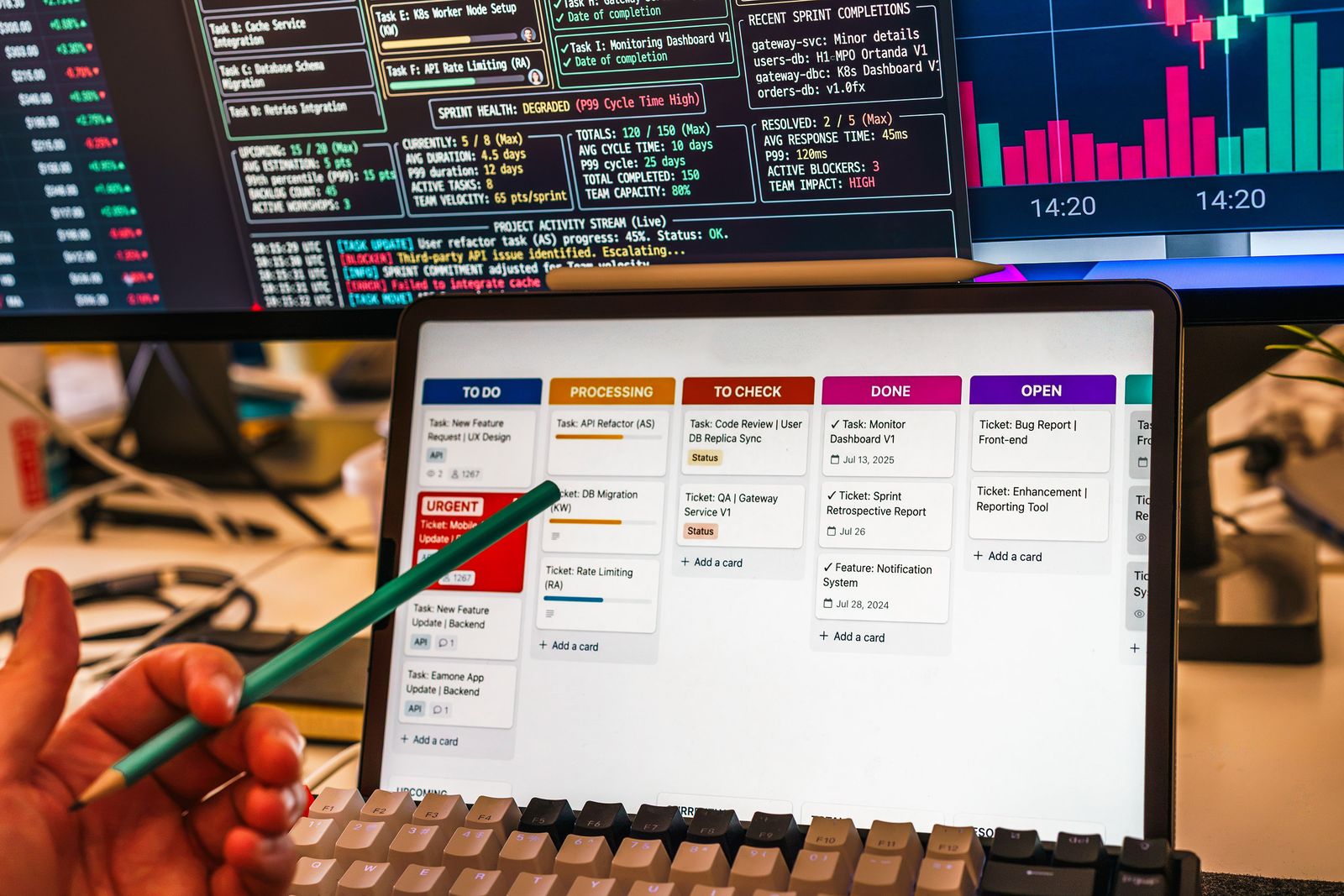
Build task routing, escalations, status updates, dependencies and handoffs around clear operating rules.

Capture, validate, generate, route, sign and archive files.

Invoices, approvals, reconciliation, reminders and reporting.

Lead routing, follow-ups, pipeline updates and handover.

Requests, case management, task coordination and status control.

A reliable workflow should know who owns the next action, what data is required, what happens when conditions change and how failures are recovered.


Documents, emails, forms and attachments often create the most manual work. We automate extraction, validation and routing while keeping review available where confidence or risk requires it.
Approval automation is not just sending a notification. It is the combination of rules, evidence, authority, deadlines, delegation and audit history.
Route requests based on amount, category or commercial impact.
Use department, manager, finance, legal or executive approval.
Remind, reassign or escalate when approvals exceed SLA.
Record decisions, comments, timestamps and supporting evidence.
Automation can reduce the gap between lead capture, qualification, ownership, follow-up, proposal, approval and customer handover.

Connect request, approval, purchasing, receiving, invoicing, reconciliation and reporting rather than automating each step in isolation.

Validate request data, budget, vendor and approval before creating the purchase order.
Capture invoice data, match records, route exceptions and update payment status.
Policy validation, manager approval, finance review and reimbursement status.
Compare transactions, identify mismatches and route exceptions for review.
Generate scheduled reports and notify leaders when KPIs cross thresholds.

People workflows benefit from automation when routine coordination is automated but important interactions remain human.
Automation can classify requests, enforce SLAs, coordinate handoffs and keep customers or internal teams updated without constant manual intervention.

Normalize email, form, chat or API requests into structured cases.
Route by issue, customer tier, geography, availability or skill.
Track response and resolution targets with reminders and escalation.
Send consistent status notifications as the case moves forward.
AI is most useful when it sits inside a controlled workflow with permissions, confidence thresholds and human review.

Turn invoices, forms, emails and records into structured data.

Categorize requests and select the right workflow or queue.

Summarize context and surface recommended next actions for review.
The workflow should not become another silo. We connect business events and data across applications while designing for authentication, retries, rate limits, logging and ownership.

We instrument workflows so teams can see volume, ownership, cycle time, failures and bottlenecks instead of treating automation as an invisible black box.
We combine APIs, workflow engines, custom software, event-driven services and AI based on the operating requirement.

People remain responsible while automation coordinates information, timing and control.

Convert email, forms, documents and attachments into structured business actions.

Let system changes automatically trigger updates, tasks and downstream services.
Automation design should define who can trigger a workflow, which decisions are automatic, what needs human approval and how every action can be explained later.

Production automation needs the same operational thinking as any critical software system: visibility, recovery, ownership and controlled change.
Reject incomplete or invalid inputs before they contaminate downstream systems.
Retry temporary failures without duplicating actions or transactions.
Buffer work when downstream services are slow or unavailable.
Capture failed items so they can be investigated and replayed safely.
Notify the correct owner when automation needs attention.
Version workflows, test changes and maintain rollback paths.
Map current processes, bottlenecks and the best opportunities to automate.
Best for prioritisationDesign and implement one high-impact process end to end.
Best for quick proofAutomate a connected set of workflows across one team or function.
Best for operating leverageBuild shared integration, governance and monitoring foundations across the business.
Best for scaleRemove recurring entry, copy-paste and status updates.
Move work automatically between people and systems.
Use validation and consistent rules before action.
Track ownership, status, exceptions and bottlenecks.
Maintain approvals, logs, evidence and audit trails.
Handle more volume without proportional coordination overhead.
We separate process design from implementation so the technology supports the operating model instead of automating confusion.
Review workflows, systems, people, delays, risks and business goals.
Remove unnecessary steps and clarify ownership before automation.
Define triggers, rules, integrations, data, approvals and recovery.
Implement workflows, APIs, interfaces, notifications and monitoring.
Test data, exceptions, permissions, failures and real operational cases.
Roll out, measure adoption and extend automation based on outcomes.

Intake, proposals, projects, documents and billing workflows.

Applications, verification, approvals, reconciliation and reporting.

Documentation, approvals, scheduling and operational coordination.

Procurement, quality, production, inventory and exception workflows.

Orders, inventory, support, returns and reconciliation.

Lead operations, onboarding, support, billing and reporting.
Deliverables cover both the workflow itself and the operational controls needed to keep it reliable after launch.
Priority workflows, expected impact and phased implementation plan.
Triggers, decisions, actions, approvals, exceptions and ownership.
Systems, APIs, data movement, authentication and failure handling.
Automation logic, user touchpoints, notifications and system actions.
Logs, dashboards, alerts, audit history and recovery paths.
Administration, support, governance and future extension guidance.
We do not automate broken processes blindly. We simplify, validate and then build automation that teams can understand and operate.

The biggest drivers are number of systems, business rules, data quality, exception paths, security, AI usage and operational criticality.
Business automation uses software, integrations and rules to move repetitive work through controlled workflows with less manual handling.
Start with high-volume, repetitive, rules-based processes where delays, re-entry, handoffs or errors create measurable operational cost.
Not necessarily. Many programmes connect and improve existing CRM, ERP, finance, document and communication systems instead of replacing them.
Yes. Workflows can include thresholds, parallel or sequential approval, escalation, reminders, delegation, audit history and controlled exceptions.
Yes. Human checkpoints can remain mandatory for sensitive, high-value, unusual or low-confidence cases.
Yes. A workflow can coordinate sales, finance, HR, operations, procurement and management while preserving ownership at each stage.
Yes. We can connect APIs, databases, SaaS tools, custom software, email, files and business platforms so actions and data move automatically.
We design retries, queues, validation, logs, alerts, manual recovery and escalation paths instead of allowing silent failures.
Yes. Records, statuses, files and transactions can be synchronized using events, schedules, webhooks or business rules.
AI can support extraction, classification, summarization, generation, routing and decision assistance inside a governed workflow.
Only where the risk model allows it. High-impact or sensitive actions can require human review before the workflow continues.
Yes. AI can extract, classify and summarize unstructured content before validated data enters downstream workflows.
A focused workflow may take several weeks. Cross-system automation programmes are usually delivered in phased releases based on complexity and dependencies.
We can track cycle time, manual touches, exceptions, failures, throughput, SLA performance and other business metrics agreed during discovery.
Yes. Ongoing support can cover monitoring, workflow changes, issue resolution, integrations, new use cases and continuous optimisation.
Share your current processes and receive a practical automation roadmap from AppsLoading.
Start your automation project →