



Sell
Lead, quotation, contract and order.
AppsLoading designs custom ERP platforms around the way your business actually works. We connect finance, inventory, procurement, manufacturing, HR, sales, service and analytics in one governed system, then integrate the surrounding tools your teams already depend on.
An ERP should connect the events that actually drive the business: an order changes demand, demand changes procurement or production, stock movement changes finance, payroll changes cost, and every action changes reporting. We design that chain as one governed operating model.



We map those dependencies end to end so each department receives the right data, task and control at the right moment.
Lead, quotation, contract and order.
Demand, availability and capacity.
Procurement or production.
Pick, ship, deliver or service.
Invoice, tax, payment and cost.
KPIs, exceptions and forecasts.
Use AppsLoading for an end-to-end ERP programme or a focused module, integration, migration or modernisation stream.

Design modules, roles, workflows, documents, approvals and dashboards around the exact way teams operate across departments and locations.
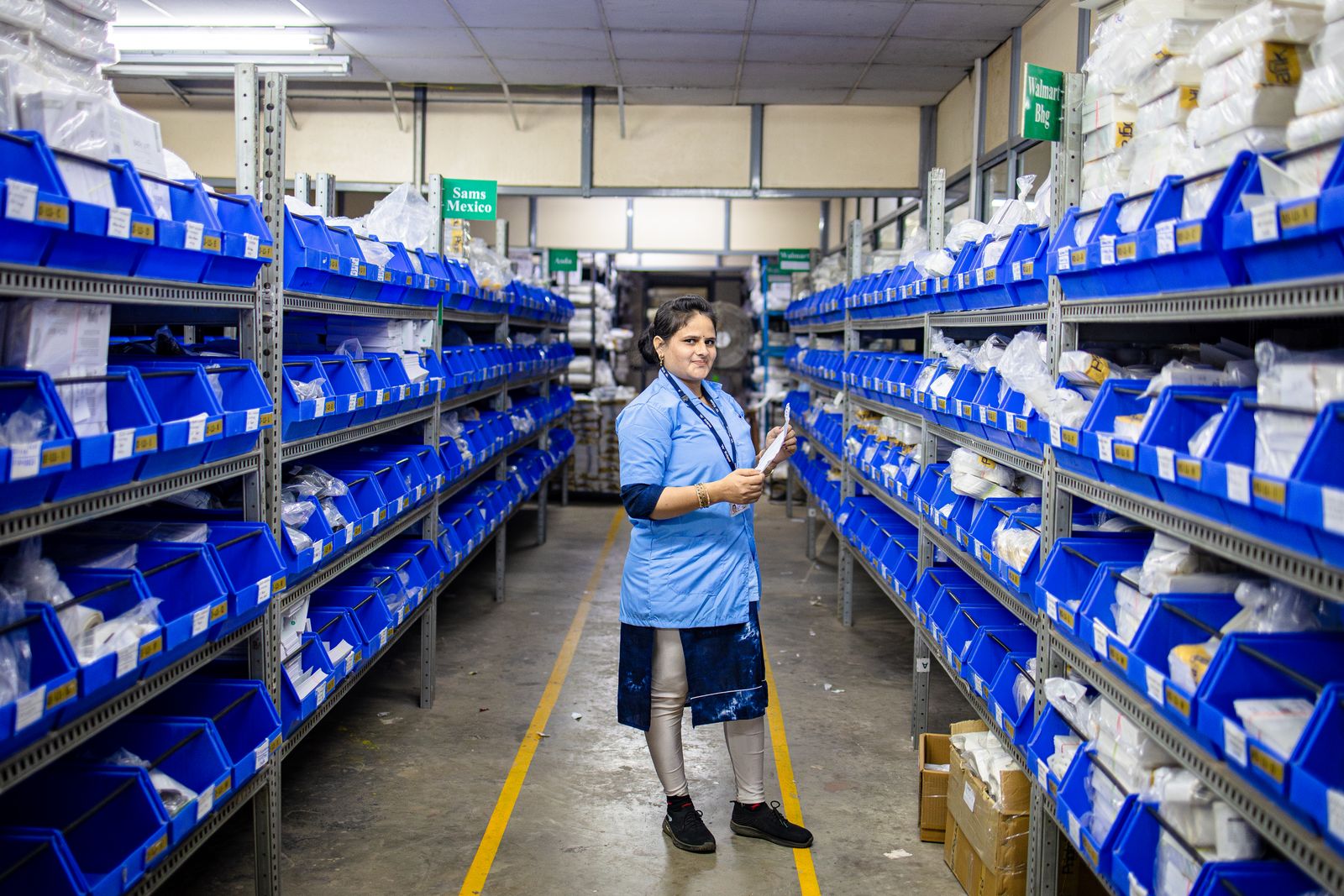
Connect stock, warehouses, vendors, purchase approvals, transfers, replenishment, pricing, orders, dispatch and fulfilment in one operational system.

Coordinate BOMs, routings, work orders, material consumption, WIP, quality, production planning and finished-goods inventory.

Connect ledgers, receivables, payables, budgeting, expenses, taxes, fixed assets, approvals and management reporting to operational events.

Centralise employee records, attendance, leave, payroll inputs, onboarding, approvals, performance and workforce reporting.

Move from legacy ERP, spreadsheets or fragmented tools while improving UX, architecture, APIs, automation, reporting and deployment.
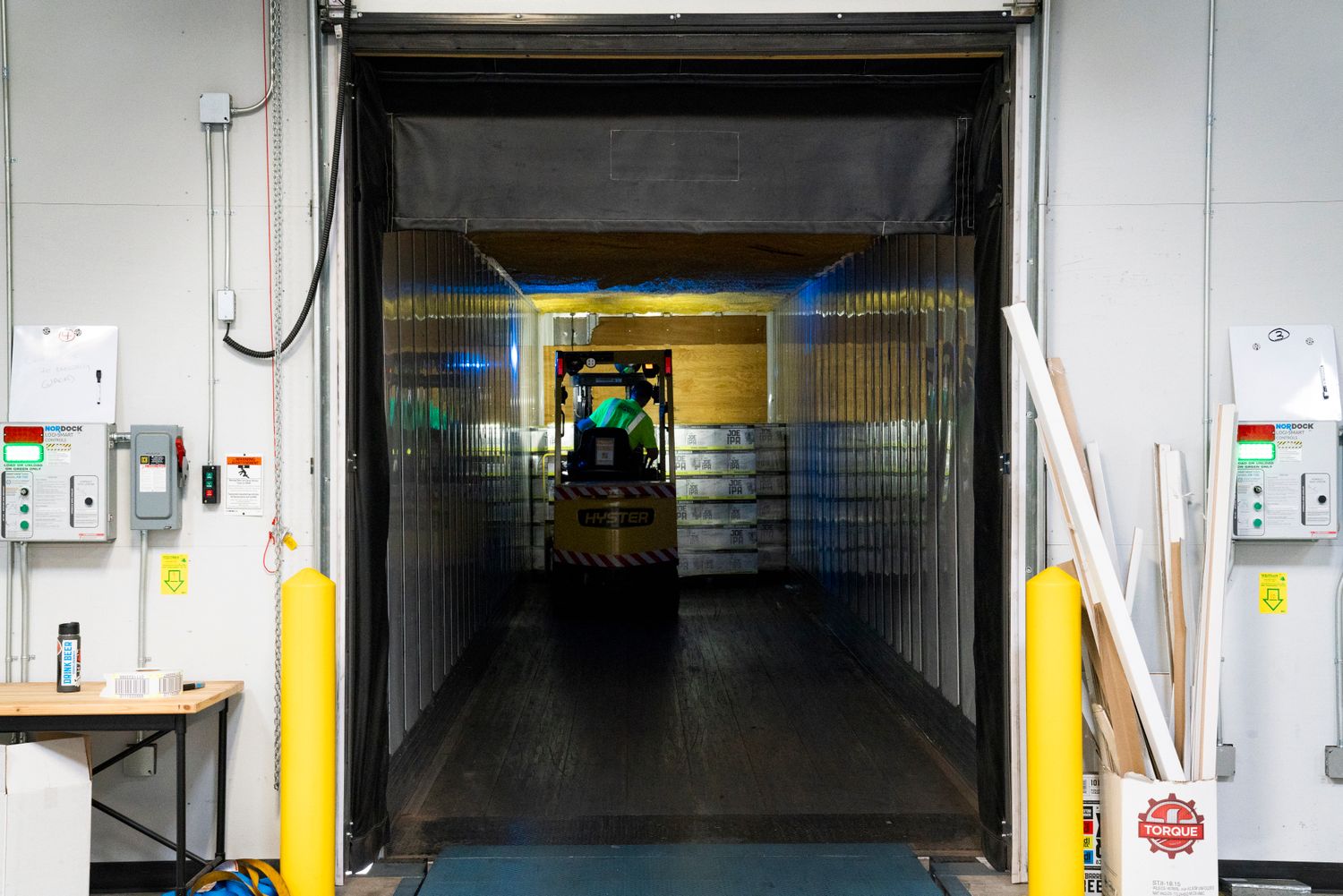
GL, AP, AR, budgeting, expenses, tax, assets and consolidation.
Stock, bins, batches, transfers, cycle counts and replenishment.
Requests, approvals, vendors, POs, receipts and supplier performance.
BOMs, routing, planning, work orders, WIP and quality.
Leads, quotes, pricing, orders, billing and customer history.
Employees, attendance, leave, onboarding and payroll workflows.
Projects, resources, tickets, SLAs, field work and contracts.
KPIs, alerts, forecasts, drill-down and management reporting.
Budgets, approvals, purchase commitments, receipts, invoices and payments should stay connected instead of being reconciled later across separate systems.


Requests, vendor selection, POs, goods receipt, invoice matching and payments.
Pricing, orders, dispatch, invoicing, collections and receivables.
Budgets, cost centres, profitability, cash visibility and variance reporting.
Inventory ERP connects physical movement with purchase, production, sales and finance. That gives warehouse teams accurate tasks while management gets consolidated control.
Track stock by warehouse, zone, bin, batch, serial number and ownership.
Use reorder rules, demand, lead time and production needs to trigger action.
Receive, inspect, transfer, reserve, pick, pack and dispatch with transaction history.
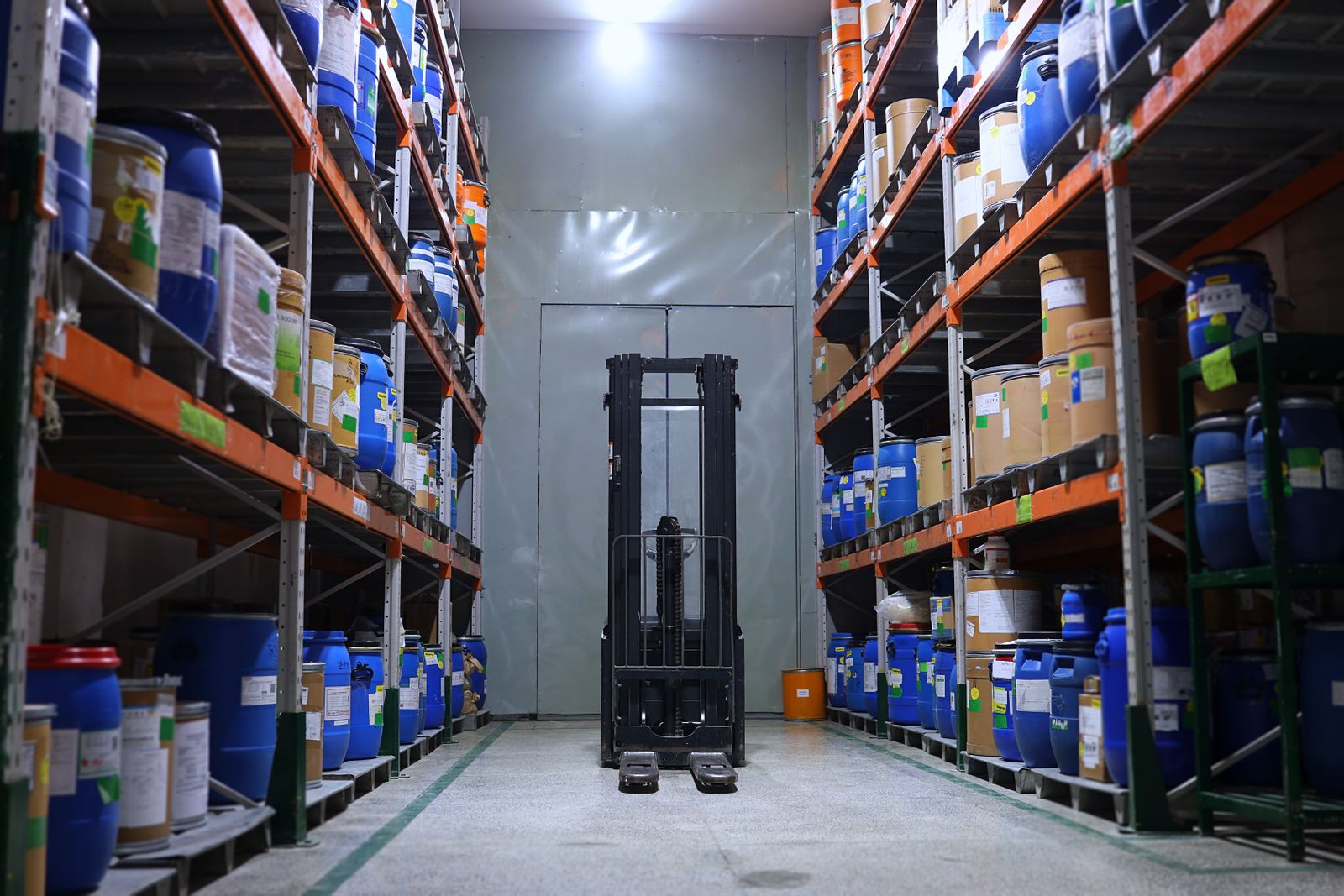
Connect materials, capacity, work orders, quality and costs so teams can see what should be made, what is blocking it and what each production run consumes.
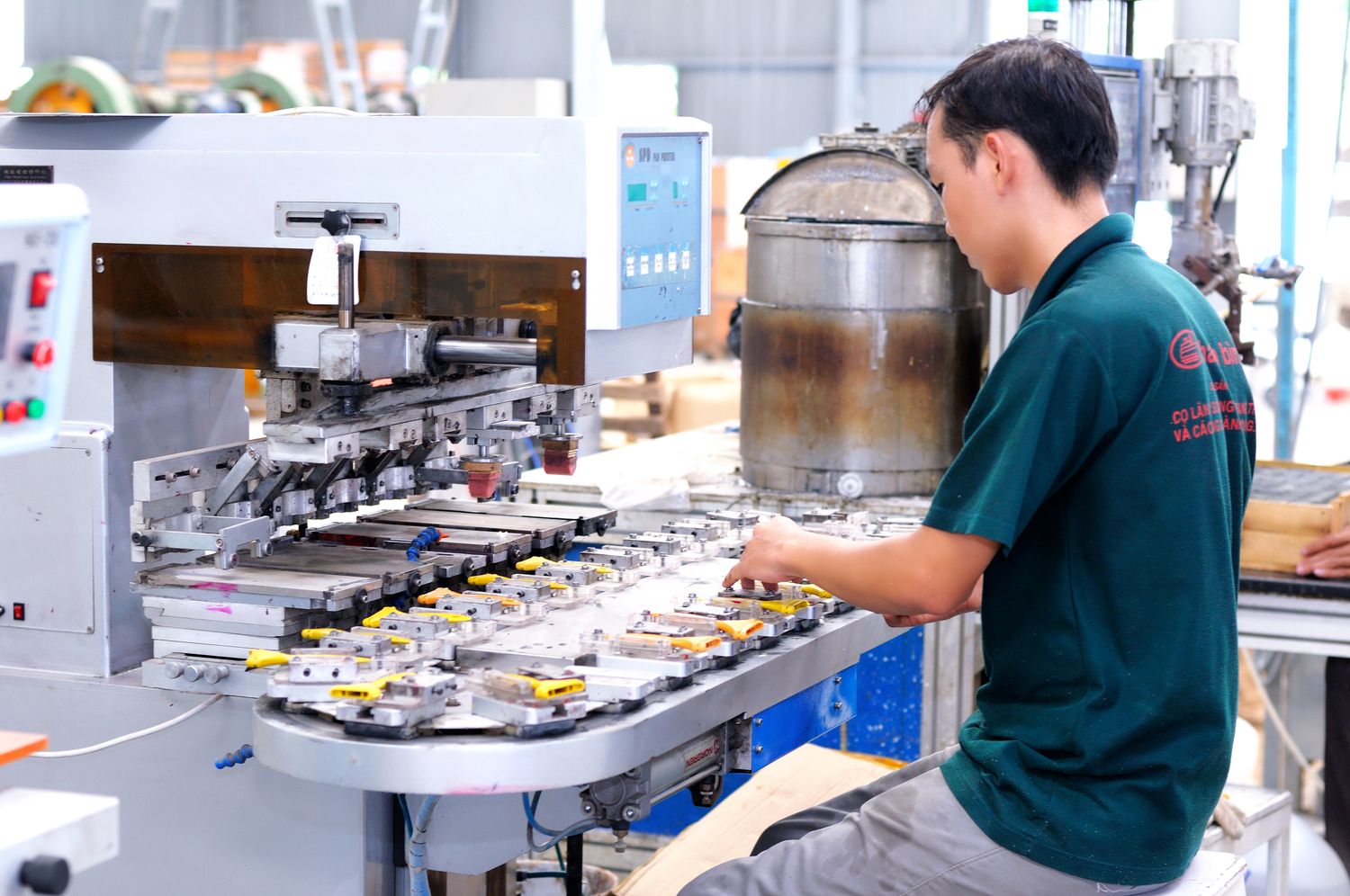

Sales forecast and confirmed orders.
MRP, capacity and material requirements.
Work orders, issues, labour and machine activity.
Finished goods, quality, variance and cost.

Onboarding, records, documents, role changes and exits.
Shift rules, time data, requests, approvals and exceptions.
Earnings, deductions, reimbursements and approved variables.
Goals, reviews, service requests and manager workflows.
ERP can share customer, pricing, order, invoice and service data so commercial teams are not working from different versions of the account.

Rules should accelerate predictable work while routing exceptions to the right person with context and an audit trail.

Purchase, expense, leave, discounts, payments and exceptions.
Reorder alerts, replenishment, transfers and shortage notifications.
Invoice generation, reminders, matching and reconciliation support.
Scheduled packs, KPI alerts and management summaries.
We design APIs, queues, webhooks and scheduled data flows with clear ownership, validation and failure handling.
Accounts, opportunities, quotes and customer activity.
Products, stock, orders, returns and fulfilment.
Collections, refunds, settlements and reconciliation.
Shipments, tracking, delivery and warehouse events.
Data warehouse, semantic models and management analytics.


Executives, managers and frontline teams need different decisions at different cadences. We design dashboards around those decisions instead of trying to fit every metric onto one screen.
Revenue, margin, cash, working capital and cross-entity performance.
Backlog, inventory, purchase risk, production, service and fulfilment.
Approvals, shortages, overdue items, variance and SLA breaches.
Demand, capacity, cash, inventory and scenario planning.
Support shared master data and governance while preserving local warehouses, branches, companies, currencies, taxes, approval structures and operational responsibilities.
Products, customers, vendors, chart of accounts and employee structures.
Location-level stock, orders, production, taxes and workflows.
Consolidated reporting, intercompany flows and cross-location comparisons.
Control who can view, approve or transact for each entity and site.
ERP replacement is a business change programme, not just a data transfer. We phase modules, validate data, rehearse cutover and protect the controls teams rely on.

Processes, modules, data, documents, users and integrations.
Master data, duplicates, obsolete records and migration rules.
Test migrations, reconciliations, UAT and cutover runbooks.
Phased rollout, hypercare, training and legacy retirement.

Role design, approvals, audit history and data boundaries should be part of the workflow itself.
Permissions by function, location, entity, value threshold and responsibility.
Multi-level approvals, delegation, escalation and exception handling.
Track who changed what, when, from where and under which workflow.
Environment controls, encryption, backups and secure integration patterns.


Not every ERP user sits at a desk. We design focused mobile or responsive workflows for warehouse, field service, production, approvals and management.
Barcode-driven receiving, picking, stock counts and transfers.
Production output, quality checks, service notes and expenses.
Manager approvals and exceptions from any device.
Operational status, tasks, alerts and KPIs on the move.
We shape the ERP around the part of the business where control and visibility create the most leverage.




The platform architecture changes with the physical flows, approval risk, regulatory context and reporting cadence of each business.

Production, materials, quality and cost.

Stock, orders, delivery and multi-location control.

Projects, resources, time and profitability.

Controls, reconciliation, approvals and reporting.

Catalog, stock, orders, returns and fulfilment.
Shared governance across sites and entities.
Process mapping, module boundaries, data model, roles, integrations and phased roadmap.
Best for: planning before buildBuild or replace a priority module such as inventory, procurement, finance or manufacturing.
Best for: contained transformationDesign and implement the core platform across departments, data and workflows.
Best for: unified operationsIncrementally replace legacy UX, modules, integrations and deployment architecture.
Best for: reducing legacy riskThe stack follows scale, security, ecosystem, deployment model and team capabilities rather than a fixed preference.

We treat architecture, data migration, controls, testing and user adoption as one implementation programme.
Departments, workflows, users, systems, data and pain points.
Modules, data model, roles, integrations and deployment approach.
Interfaces, workflows, rules, reports and integrations.
Data cleansing, test migration, reconciliation and UAT.
Training, phased launch, hypercare and adoption support.
New modules, automations, reports and performance optimisation.
Deliverables cover process, data, controls, integrations, rollout and handover.

Departments, workflows, business rules, modules and ownership.
Permissions, thresholds, delegation, exceptions and audit logic.
Mapping, cleansing, test migration, reconciliation and cutover.
APIs, events, schedules, failure handling and system ownership.
Operational KPIs, exceptions, forecasts and management views.
Testing, training, documentation, support and enhancement backlog.
We do not start with a list of screens. We start with decisions, transactions, controls, exceptions and the people responsible for them.
Map current work and failure points before deciding module boundaries.
Design data and workflows across finance, operations, people and customers.
Roles, approvals, audit trails and exception paths are part of the platform.
Interfaces and workflows stay focused enough for daily users to understand.

These factors shape architecture, implementation effort, testing and rollout.
Number of business areas and how specialised each workflow is.
Permission complexity, entities, warehouses, plants and branches.
CRM, commerce, payments, logistics, banks, BI and external systems.
Source systems, history, data quality and reconciliation requirements.
Approvals, segregation of duties, audit and regulatory requirements.
Pilot, phased modules, location waves, training and change support.
Custom ERP development creates a business management platform around your departments, workflows, roles, data, controls and reporting requirements instead of forcing operations into a fixed product model.
Timeline depends on module count, integration depth, data migration, user roles, testing and rollout strategy. Larger programmes are normally delivered through phased releases.
Yes. A phased approach can prioritise high-value modules or locations, reduce change risk and create learning before the next rollout wave.
AppsLoading can build finance, inventory, procurement, sales, CRM, HR, payroll, manufacturing, projects, service, analytics and other specialised operational modules.
Yes. Approval levels, value thresholds, role rules, delegations, escalation paths and exceptions can be designed around your governance model.
Yes. The architecture can be designed so priority modules launch first while shared data and integration foundations support later expansion.
Yes. Migration can include master data, users, open transactions, historical records, documents and balances depending on the agreed scope.
We use mapping rules, test migrations, reconciliation checks and business-user validation before final cutover.
No. Active operational data can be migrated while older history is archived or retained in a reporting store if that better fits cost and compliance needs.
Yes. ERP can integrate with CRM, eCommerce, payments, logistics, accounting, BI, banks and other internal or external systems through suitable APIs and data flows.
Access can be governed through role-based permissions, entity and location boundaries, approval rights, audit logs and secure environment controls.
Yes. Architecture can support multiple legal entities, warehouses, plants, branches, currencies, tax contexts and shared-service functions.
We use phased scope, test migrations, user acceptance testing, training, cutover runbooks, rollback planning and structured hypercare.
Yes. Support can include bug fixing, monitoring, user support, performance work, new reports, integrations, automation and additional modules.
Ownership terms are defined in the project agreement. Custom code, configurations and documentation can be handed over according to the agreed engagement model.
Share your current workflows, systems and reporting gaps. We will turn them into a practical ERP architecture and phased delivery roadmap.
Start your ERP project →