



Custom PWA Development
Build a scalable Progressive Web App around users, workflows, APIs, product goals and device behaviour.
AppsLoading designs and engineers Progressive Web Apps for products that need web reach with more resilient, app-like behaviour. We plan service workers, offline journeys, local data, synchronization, installability, push notifications and performance around the users, devices and network conditions your product actually faces.
Progressive Web Apps are strongest when web distribution, mobile performance, unreliable connectivity and repeat usage matter at the same time.
Keep immediate web access while building a more application-like repeat experience.
Cache the right content and define what remains useful when connectivity drops.
Installability and supported engagement features can make returning easier.
A web-based delivery model can simplify distribution while preserving progressive capability.
Use AppsLoading for complete PWA delivery or focused work across conversion, offline reliability, performance, notifications and modernization.
Build a scalable Progressive Web App around users, workflows, APIs, product goals and device behaviour.
Add appropriate manifest, caching, service-worker and installability capabilities to an existing web product.
Plan cached content, local data, queued actions, conflict rules and recovery behaviour for weak networks.
Implement permission-aware notifications and measurable re-engagement flows where supported.
Create fast mobile shopping, resilient product browsing and conversion flows for real mobile traffic.
Improve startup, rendering, asset delivery, interaction latency, caching and Core Web Vitals.
Build operational tools for teams that need forms, tasks and reference data across variable connectivity.
Repair stale service-worker logic, update flows, performance regressions, compatibility and sync problems.
We define what the user can view, create, save and retry at each network state. The goal is predictable behaviour, not simply caching every page.
Choose which shell, content and media deserve local availability instead of treating every resource the same.
Support forms and updates that can safely wait, while blocking operations that require live validation.
Make pending, synced, failed and stale states visible so users know what actually happened.
Retry safely, resolve conflicts and avoid duplicate writes when the network returns.
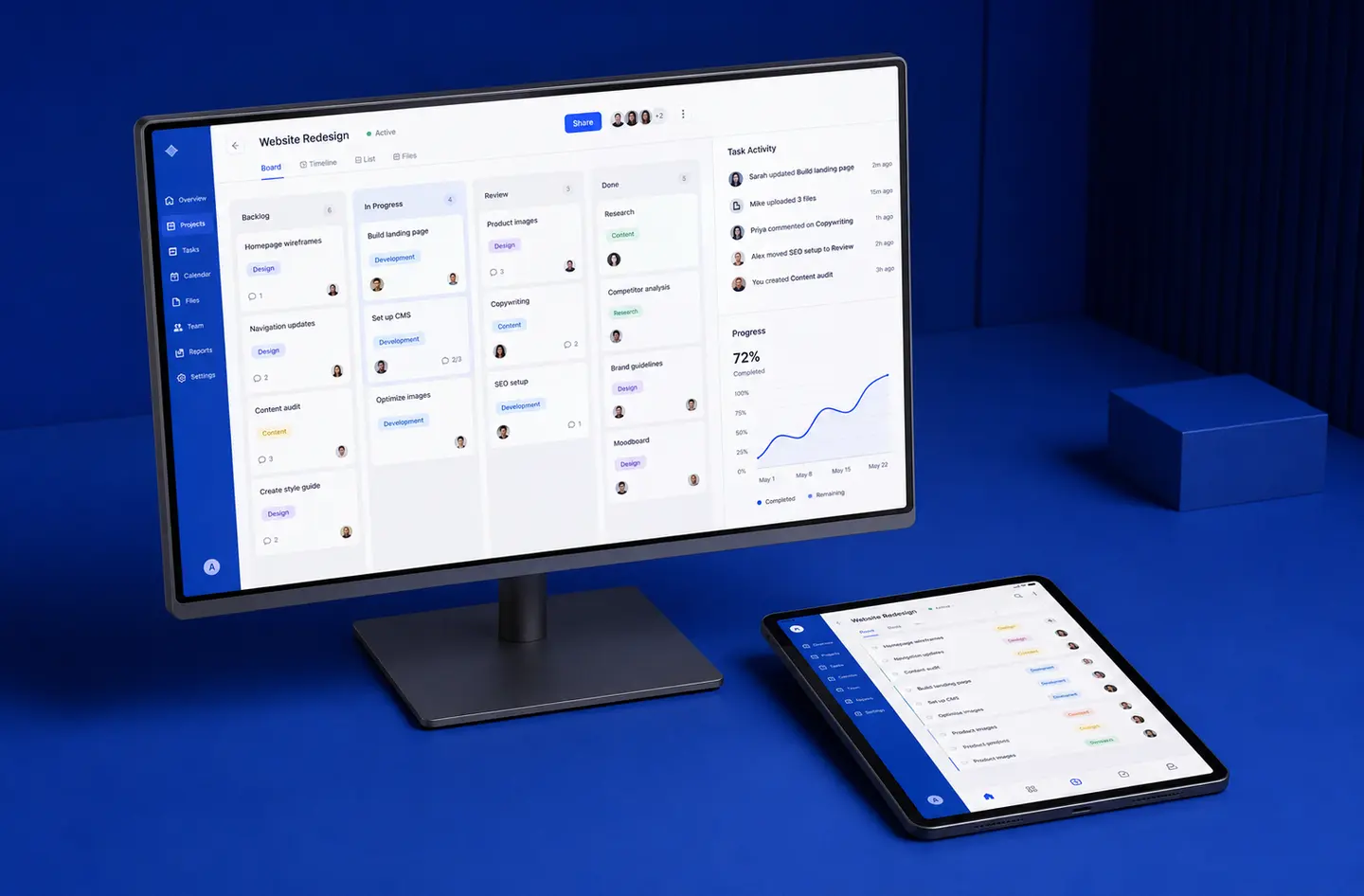
Users should understand the value before they are asked to install or enable notifications. We design the repeat-use loop around product value, platform capability and respectful permission timing.
Open immediately from a URL without app-store dependency.
Build confidence with speed, clear navigation and reliable core journeys.
Use platform-appropriate install flows where supported rather than forcing the prompt too early.
Use cached state, remembered context and supported engagement features to improve return journeys.
A PWA can replace some native-app use cases, but not every one. Hardware-heavy or deeply platform-specific products may still justify native development.
We review startup, interaction, media, code delivery and repeat visits as separate performance problems, then set priorities around the real product journey.
Reduce render-blocking work, control bundle size and prioritize the content users need first.
Use service-worker strategies that improve repeat loading without trapping users on stale assets.
Reduce main-thread blocking and expensive client work so taps, forms and navigation react quickly.
Use responsive images, sensible preloading and delivery rules matched to screen and connection conditions.
The architecture changes depending on what users are doing, how often they return and what happens when connectivity disappears.
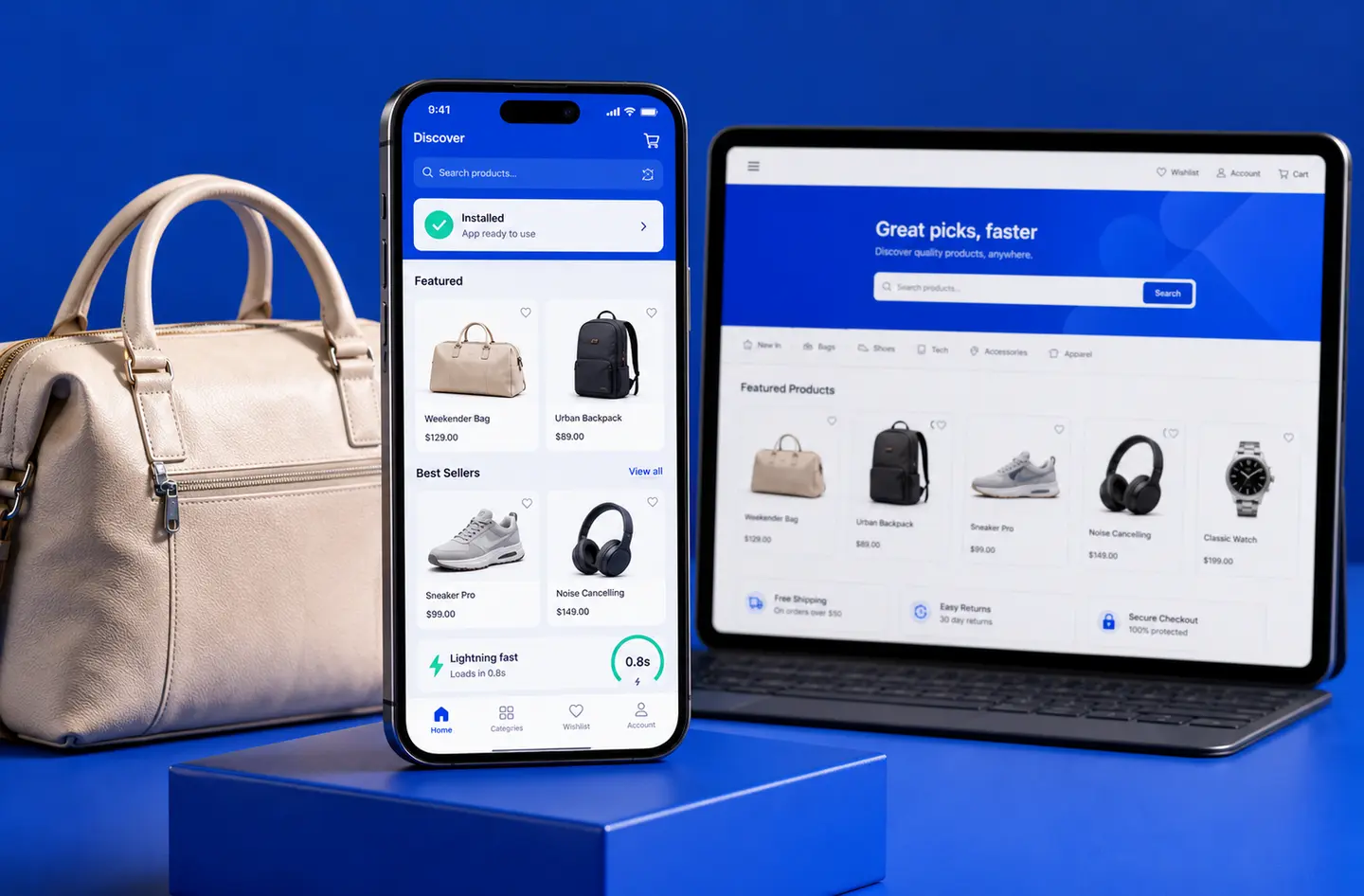
Product discovery, cart continuity, repeat visits and supported push engagement can benefit from PWA architecture when mobile speed and lower installation friction matter.
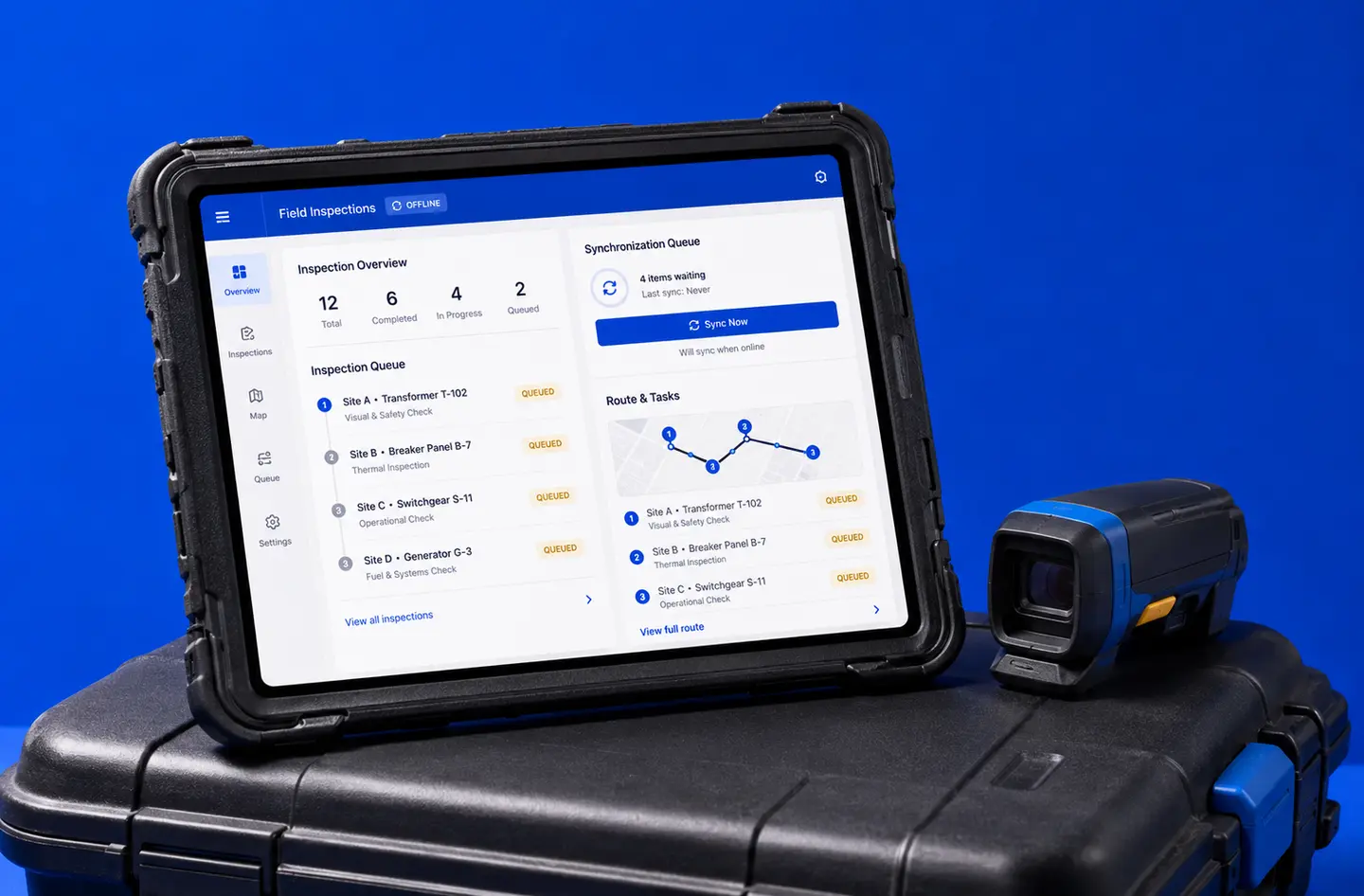
Field tools can store reference data locally, queue supported forms and updates, then synchronize when connectivity returns with clear status feedback.
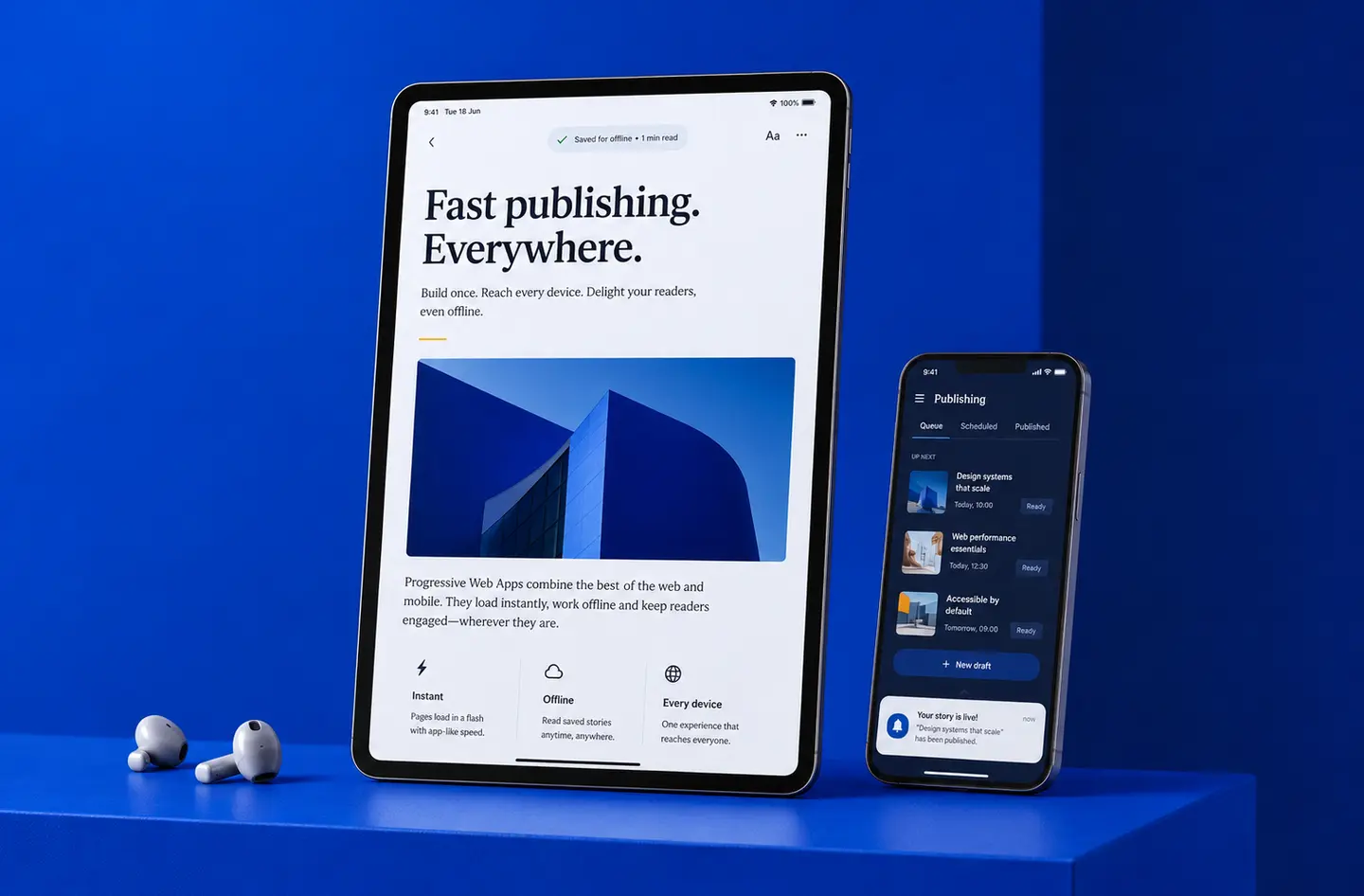
Content-heavy products can combine fast repeat loading, selected offline reading and supported notifications while keeping the content discoverable on the open web.
Framework, storage, caching and engagement choices should follow the product’s rendering needs, offline scope, APIs and supported environments.
A PWA project works better when network states, offline scope and update behaviour are defined early instead of being added at the end.
Users, product goals, devices, network conditions and current architecture.
Online, offline, stale, queued, failed and recovery behaviour.
Responsive UX, service worker, local data, APIs and installability.
Weak networks, offline states, updates, devices, notifications and performance.
Monitor adoption, performance, errors, cache behaviour and engagement.
A simple installable content experience and a transaction-heavy offline field application are very different engineering problems.
Number of workflows, screens, responsive states, authentication and role-specific experiences.
Cached content, local writes, queued actions, conflict rules, retry logic and recovery states.
APIs, authentication, payments, commerce, CRM, messaging and existing system constraints.
Rendering strategy, bundle optimization, media delivery, cache strategy and monitoring.
Install flows, push notification lifecycle, permissions, analytics and re-engagement journeys.
Current frontend quality, service-worker issues, data model changes, browser compatibility and migration scope.
Share your current website or web app, critical journeys, network conditions, repeat-use goals and integrations. We’ll turn them into a practical PWA architecture and phased implementation plan.
Plan your PWA architecture →A Progressive Web App is a web application enhanced with capabilities such as installation, offline access, fast repeat loading and supported push notifications.
A PWA uses web capabilities such as service workers, a web app manifest and local storage to deliver more resilient and app-like behaviour.
A PWA is especially useful when web reach, mobile performance, weak-network support and lower installation friction are important.
Yes. Selected content and workflows can remain available using service workers, Cache Storage and IndexedDB.
Supported actions can be stored locally, queued and synchronized after connectivity returns when the product rules allow it.
We define freshness policies, retry rules, timestamps, visible sync states and conflict handling based on the data and workflow.
Supported browsers and operating systems allow users to add a PWA to a home screen or desktop, though installation behaviour varies by platform.
Yes, where supported by the browser and operating system and after the user grants permission.
No. A PWA can be accessed directly through a URL, while selected packaging approaches may also support some app-store distribution.
Better caching, code splitting, responsive media and frontend delivery can improve loading, responsiveness and visual stability when implemented well.
Core web functionality works broadly, while advanced capabilities can vary. We design progressive enhancement and graceful fallbacks around that reality.
Yes. Search-friendly routing, metadata, rendering, structured data and crawlable content can be included in the architecture.
Yes. We can assess the current architecture and add appropriate PWA capabilities where technically suitable.
Cost depends on design, features, offline complexity, integrations, backend work, security, testing and conversion or migration requirements.
Yes. Support can cover performance, caching, compatibility, analytics, security updates, service-worker behaviour and feature enhancements.
Share your current product and the journeys that need to become faster, more resilient or easier to return to. We’ll map the right PWA scope before development begins.